01
Start with the product and the hook.
Upload one hero image, write the angle you want to test, and choose the platform ratio up front.
Product photo to scroll-stopping ad in 60 seconds. No studio, no creators, no editing.
Sample output
Make AI Ads That Convert
Use this page to evaluate the workflow before you decide which tool path deserves the next click.
How it works
Keep the input tight, then branch the creative before you commit spend.
Upload one hero image, write the angle you want to test, and choose the platform ratio up front.
FairStack lets you compare cinematic and direct-response looks without switching tools or plans.
Download the winners, remix the losers, and keep iterating while the cost is still measured in cents.
AI ad generator
AI ad generation turns a product shot, hook, or landing-page angle into short-form creative you can test across Meta, TikTok, and YouTube. FairStack keeps the workflow simple: start with one asset, generate multiple cuts, and keep the variants that earn the click.
Feature grid
The ad page is structured around speed to variation: change the hook, swap the ratio, and keep the product in frame.
Hooks
Generate several angles from the same hero shot so the first three seconds match the audience you are buying.
Ratios
Vertical, square, and feed-ready crops stay aligned so you are not rebuilding the ad for each channel.
Voice
Keep quiet hooks for scroll tests, then add voice-over or captions once you know which cut deserves budget.
Batches
Move from one proof asset to a library of variations in the same afternoon instead of waiting on another edit round.
Sample showcase
These are the kinds of prompts performance teams run when they need more angles, not a bigger production budget.
Bottle launch, 15-second paid social cut
Cinematic skincare launch video, hero product, fast hook, CTA in final beat.
Model
Kling 2.6 + voice overlay
Cost
$0.47
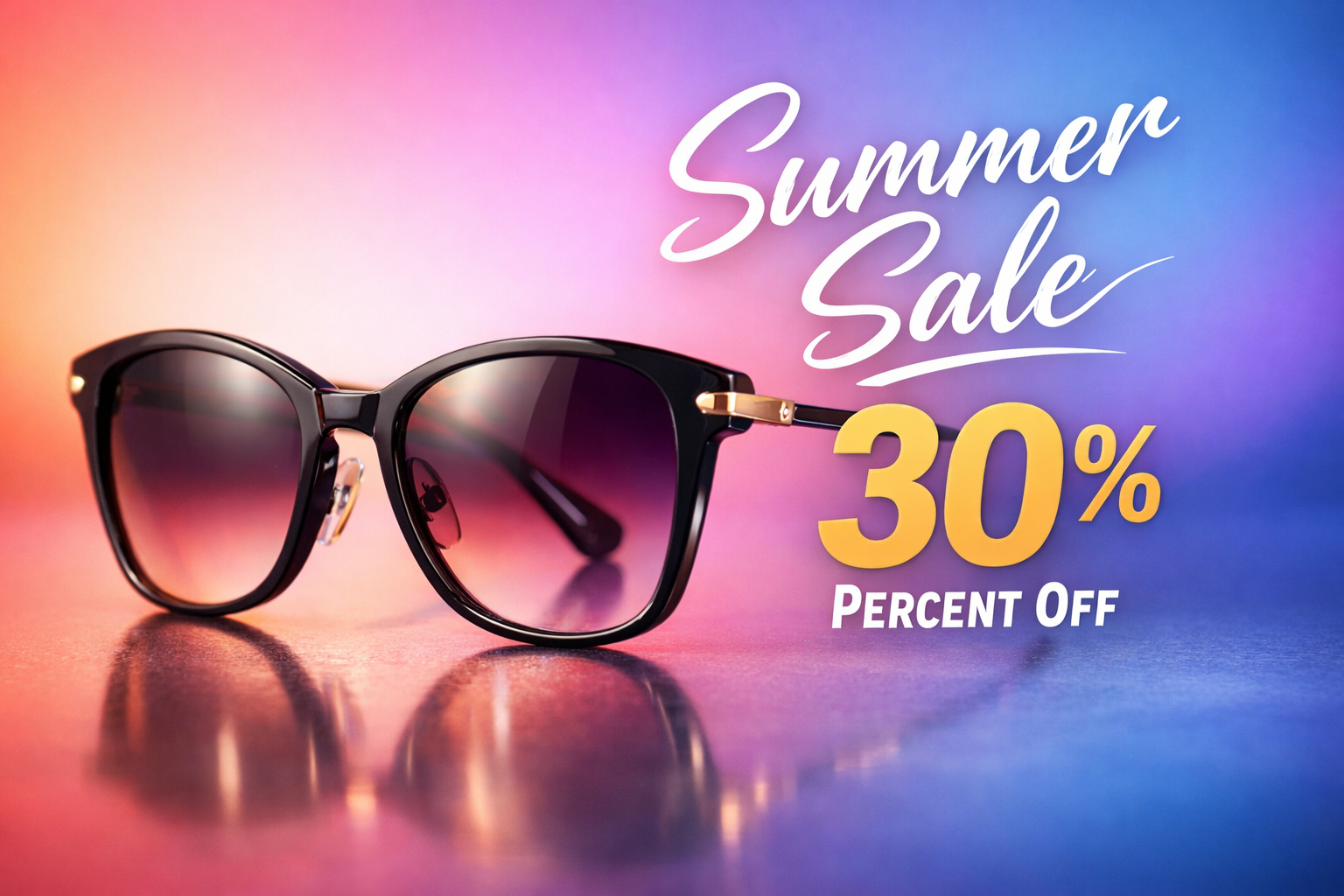
Fast-cut promo for a same-day discount
Bright product ad with punchy text overlays and a final 20% off CTA.
Model
Veo 3.1 Fast
Cost
$0.48
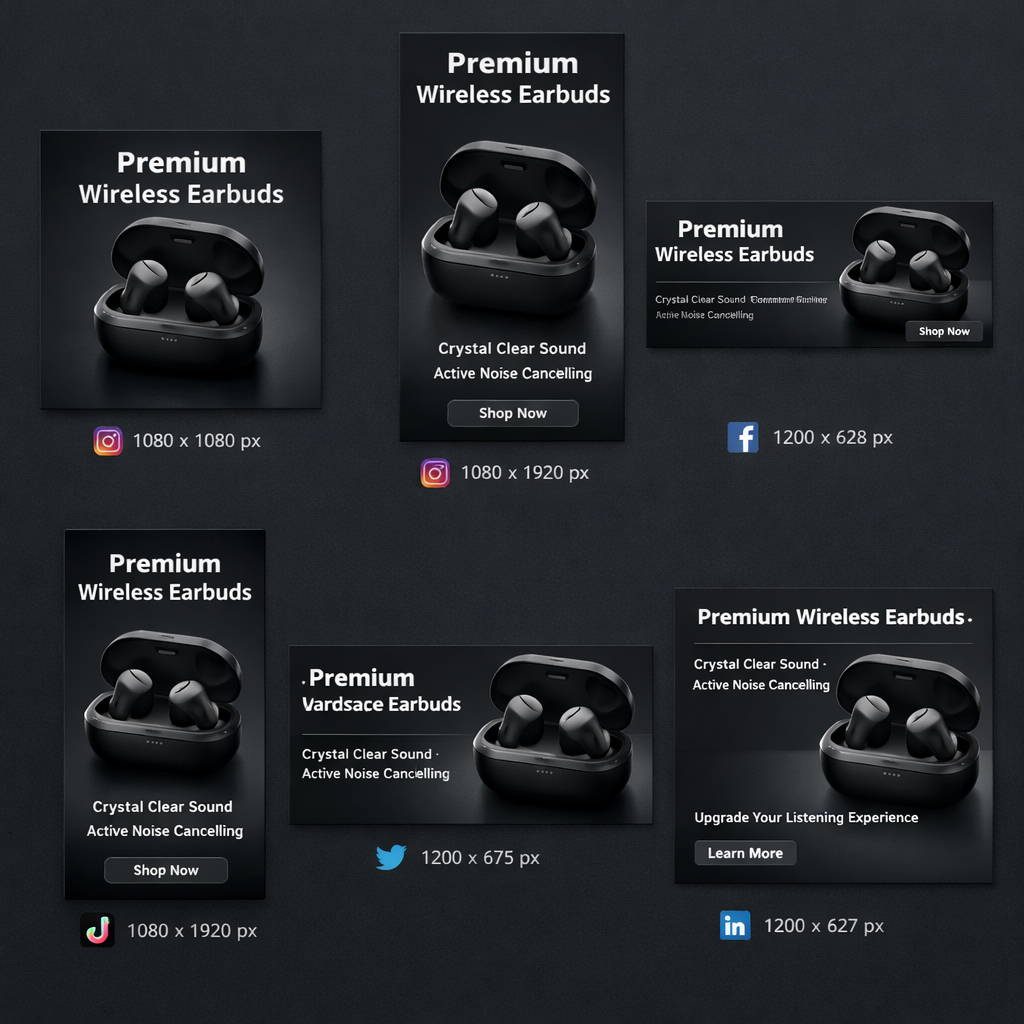
One product, six platform crops
Generate Instagram Story, Reel, square feed, and thumbnail-safe variants from one image.
Model
Nano Banana 2
Cost
$0.15
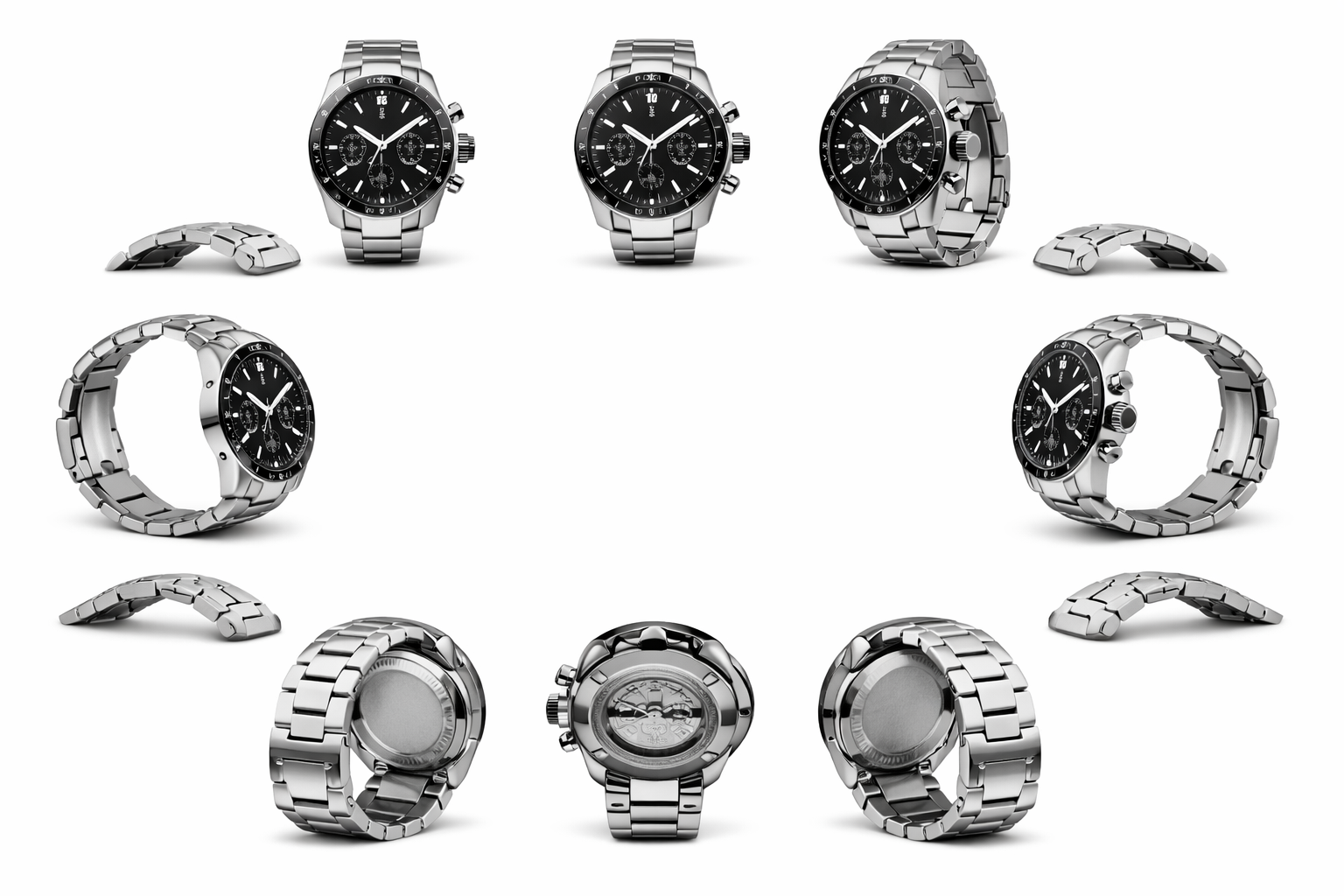
Hero spin with a premium reveal
Rotate the product on a clean pedestal, hold on texture, end on brand lockup.
Model
Seedream 5.0 + motion pass
Cost
$0.33
Pricing comparison strip
The same competitor pricing data used on the homepage and pricing page powers this strip. Same model in, lower bill out.
Model
FairStack
$0.60
per 5s video
TopView Pro
$0.56
per 5s video
Deevid
$0.45
per 5s video
Model
FairStack
$0.90
per 5s video
TopView Pro
$0.87
per 5s video
Deevid
$0.72
per 5s video
Prices shown are the direct model rows from the current FairStack pricing dataset. Use them as the baseline before adding voice, captions, or more variants.
Social proof
The same page has to make sense for operators who buy media, creators who make it, and agencies who need more swings.
DTC / ecommerce
Use one product shot to test price-led, lifestyle, and benefit-led ads without another studio round.
Agencies
Generate quick paid-social concepts before the team spends time polishing the version the client will actually approve.
Creators
Cut ad-style promos between content drops without turning into a full-time editor.
Growth teams
Move from one winning concept to a stack of adjacent variants while the campaign still has momentum.
FAQ
Most short-form ad cuts start around the hero price on this page. The final cost depends on the model, duration, and whether you add voice or extra variants.
Start with the faster video rows when you are testing hooks, then move to the higher-end motion models when the concept is already working.
Yes. FairStack outputs are licensed for commercial use, which covers paid social, landing pages, email, and marketplace creative.
No. The page routes into FairStack's pay-per-use flow, so you can generate only what you need without locking into a monthly plan.
The workflow ends in export-ready media you can download, remix, or pass into the next creative step inside FairStack.
The first cut is fast enough for rapid testing. Most of the time goes into deciding which angle deserves the next round, not waiting on the render.
Start with one product shot, branch the angle fast, and keep the version that actually wins attention.