01
Start from the page that already explains the offer.
Use the product-page copy, imagery, and angle as the anchor so you are not inventing the concept from scratch.
Give us a product page. Pull the hook, shape the visuals, and move straight into the ad concept.
Sample output
Paste a URL. Get a Video Ad.
Use this page to evaluate the workflow before you decide which tool path deserves the next click.
How it works
Use the product page as the brief, then shape the output into something ready for social or paid acquisition.
Use the product-page copy, imagery, and angle as the anchor so you are not inventing the concept from scratch.
Move the most persuasive promise into a short-form script or product-led motion treatment without rewriting everything manually.
Turn the page-led concept into multiple variants for paid social, launch pages, or marketplace support without leaving the same workflow.
URL to video
The fastest ad workflow starts from the product page that already contains the offer, positioning, and proof. FairStack is useful here because it lets you move from the landing-page idea to actual creative concepts without rewriting the whole campaign from scratch.
Feature grid
The page already holds the core message. The job now is to move that message into a format that can earn attention in-feed.
Hooks
Use the strongest promise or headline on the page as the first-frame idea for the new creative.
Visuals
Keep the process anchored to the assets already approved on the site instead of waiting on new production.
Formats
Use one page-led concept to power both short-form ad cuts and supporting static variants where needed.
Speed
Let the page do the heavy lifting so the team can spend time choosing the best creative path instead of rewriting the brief.
Sample showcase
These prompts treat the product page as the source of truth, then branch into formats the campaign can actually use.
Landing-page promise into a short vertical promo
Use the hero claim, the top product images, and a final CTA for a 15-second vertical cut.
Model
Kling 2.6 + voice overlay
Cost
$0.58
One product page into multiple social crops
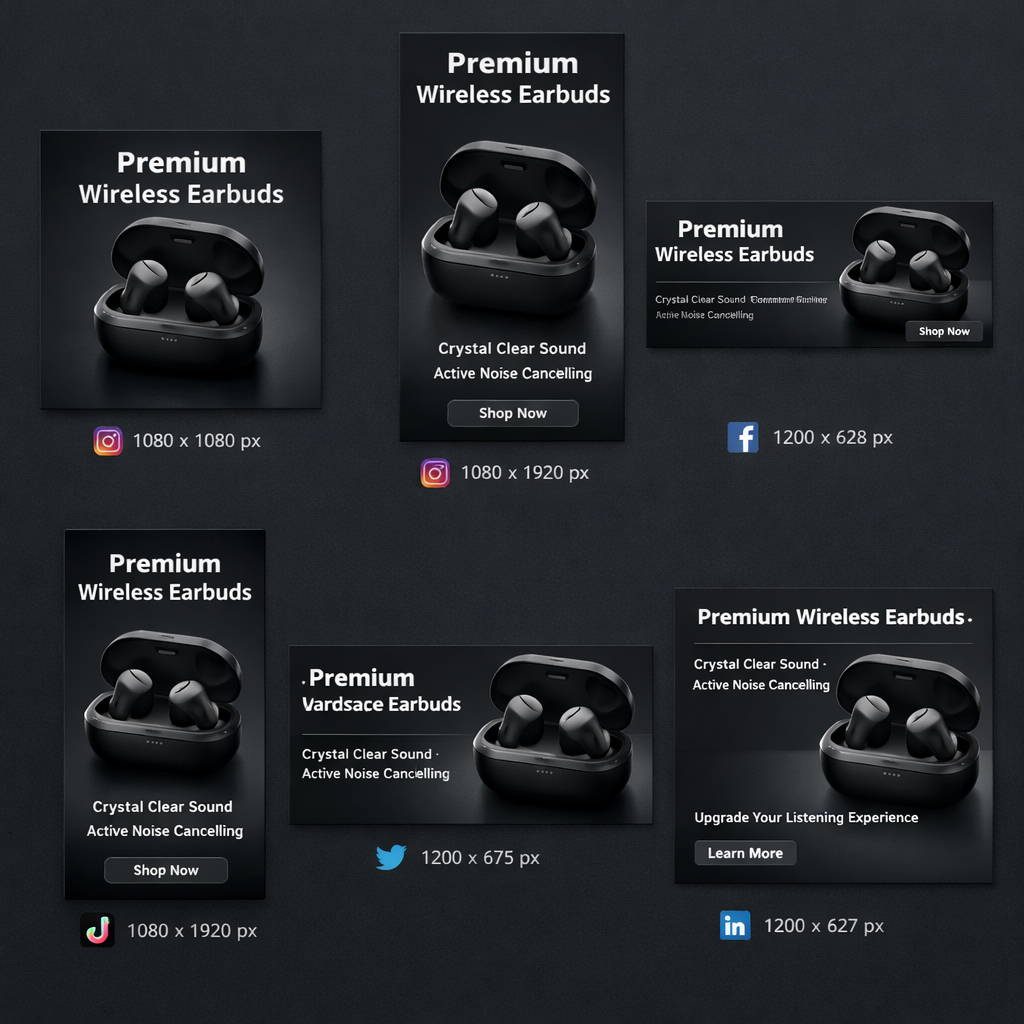
Create the supporting image set for Reels, Stories, square feed, and video thumbnail placements.
Model
Nano Banana 2
Cost
$0.15
Hero image into a cleaner motion cut
Take the top product photo from the page and turn it into a polished motion-led clip with one offer frame.
Model
Seedream 5.0 + motion pass
Cost
$0.33
Retargeting cut from the same page assets
Pull the secondary offer from lower on the page and turn it into a short reminder ad.
Model
Veo 3.1 Fast
Cost
$0.48
Pricing comparison strip
This workflow usually combines one image row and one motion row. The pricing strip below pulls those exact shared rows from the FairStack competitor dataset.
Model
FairStack
$0.033
per image
TopView Pro
$0.073
per image
Deevid
$0.060
per image
Model
FairStack
$0.90
per 5s video
TopView Pro
$0.87
per 5s video
Deevid
$0.72
per 5s video
The same model-by-model pricing file drives this strip, the homepage tiles, and the pricing page. It is the cleanest baseline for page-led ad workflows.
Social proof
If the landing page is already doing the positioning work, this workflow helps you turn it into usable creative faster.
Performance marketers
Use the page copy that already converts instead of asking the team to reinvent the angle from zero.
Growth teams
The product page can do the strategy work while FairStack handles the shift into creative formats.
Agencies
Pitch multiple ad concepts tied to the actual landing-page promise instead of generic creative moodboards.
Solo operators
This is the cleanest path when you are the strategist, copywriter, and media buyer at the same time.
FAQ
The hero price covers the core path from page-led concept to a short-form video cut. Costs rise only when you add more versions or higher-end model rows.
Start with the lighter image and motion combination for speed, then move up only when the angle is already proving itself.
Yes. FairStack outputs are intended for commercial use across paid social, landing pages, launch emails, and product marketing.
No. The page routes into a pay-per-use workflow, which keeps URL-led campaigns useful even if you only need them around launches.
You get the export-ready creative assets you want to keep, then reuse them elsewhere in the FairStack stack if the campaign expands.
Fast enough to keep the page-to-ad workflow practical. Most of the work is deciding which angle to scale, not waiting for the first draft.
Use the product page that already sells the offer, then move the strongest angle into an ad format that can actually earn attention.