AI Tools for Photographers
Photographers spend 2-4 hours editing for every hour of shooting. Outsourced retouching costs $2-8 per image. AI does the same work for $0.025.
4 tools for photo enhancement, retouching, style transfer, and background replacement. Process an entire shoot for the cost of a single outsourced edit.
The problem
Post-processing shouldn't cost more than the shoot itself
Editing, retouching, and delivering client photos eats into every job's profit. Here's what photographers typically pay for post-production -- and what AI can do for a predictable per-use price.
Traditional Costs
FairStack
FairStack prices are per-generation costs including platform fee. Traditional costs reflect industry averages from Fix The Photo, Image Retouching Lab, and freelancer marketplace rates (2025).
4 tools for every photography task
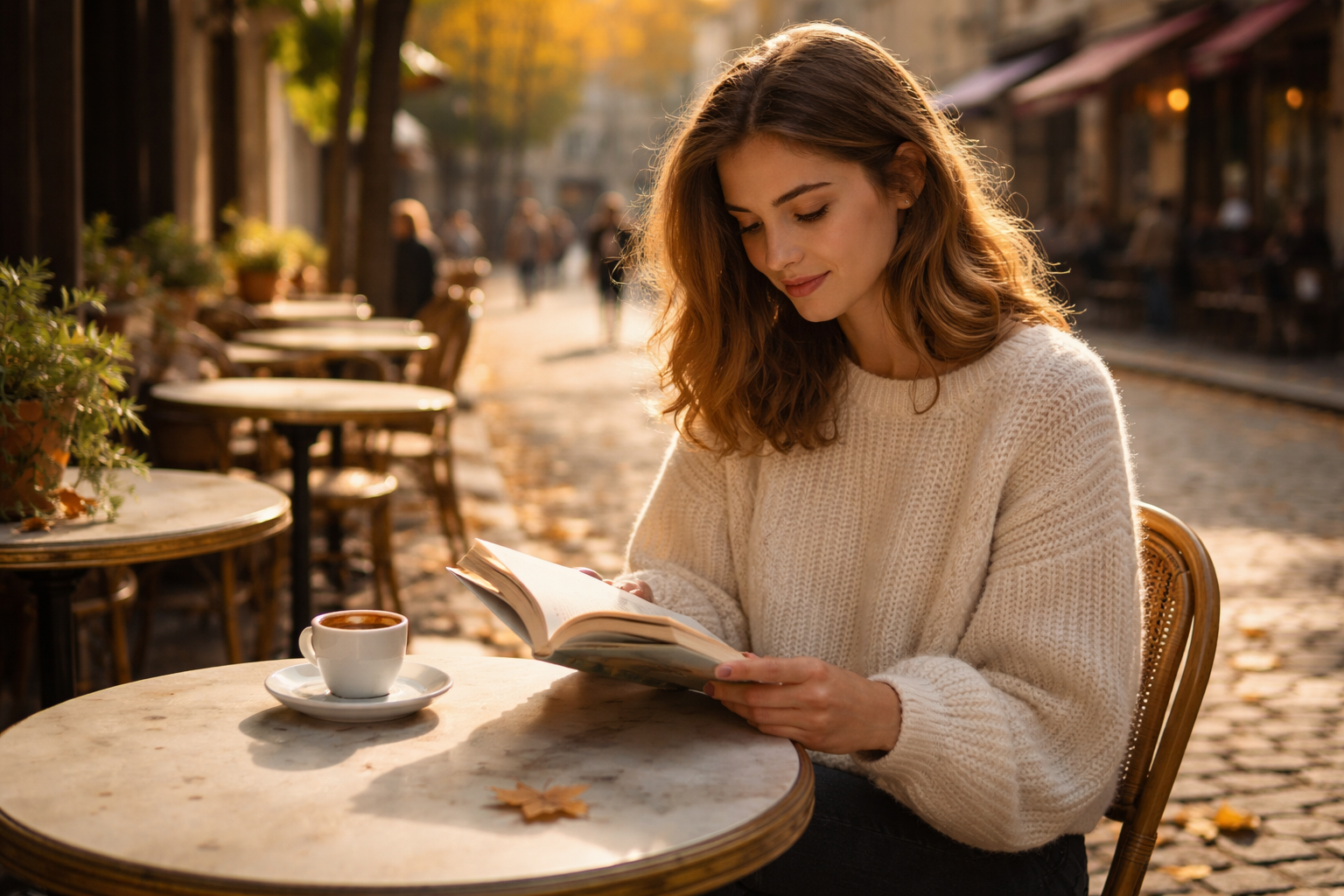
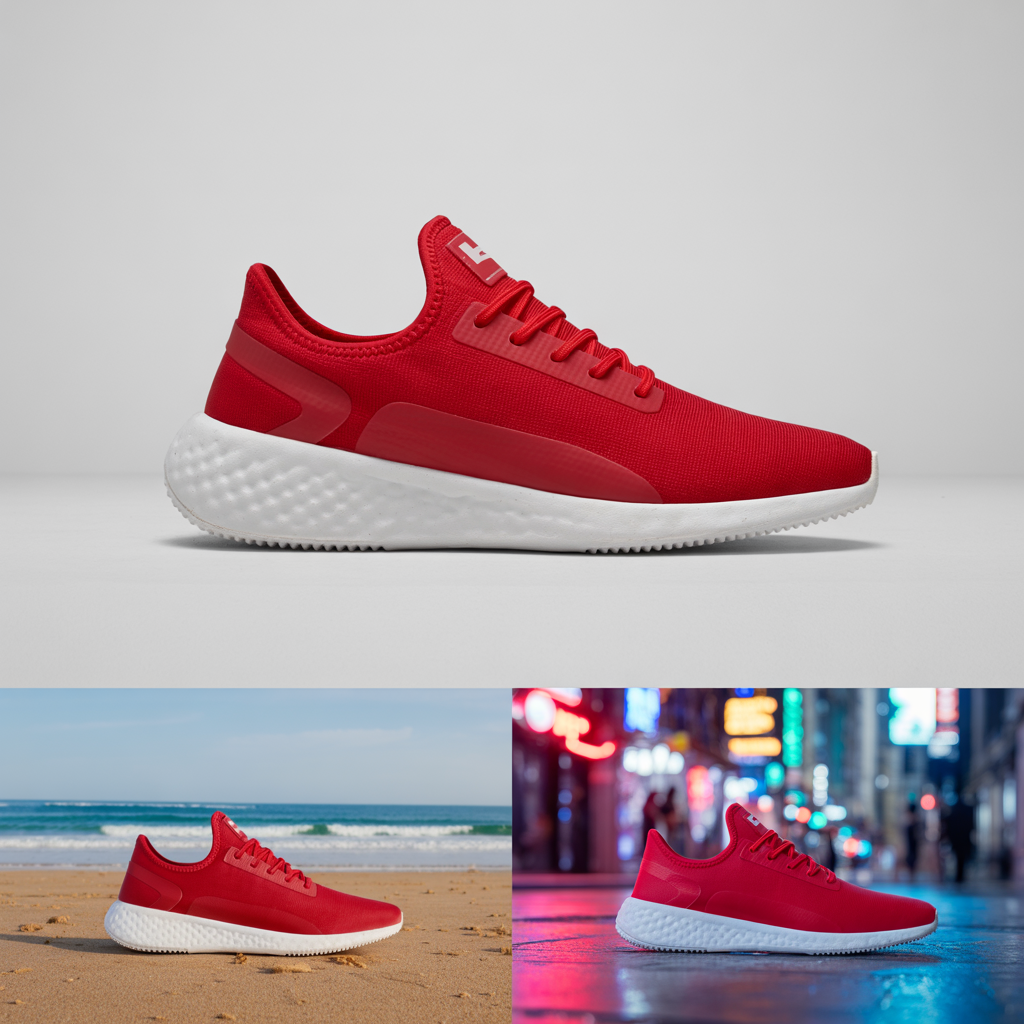
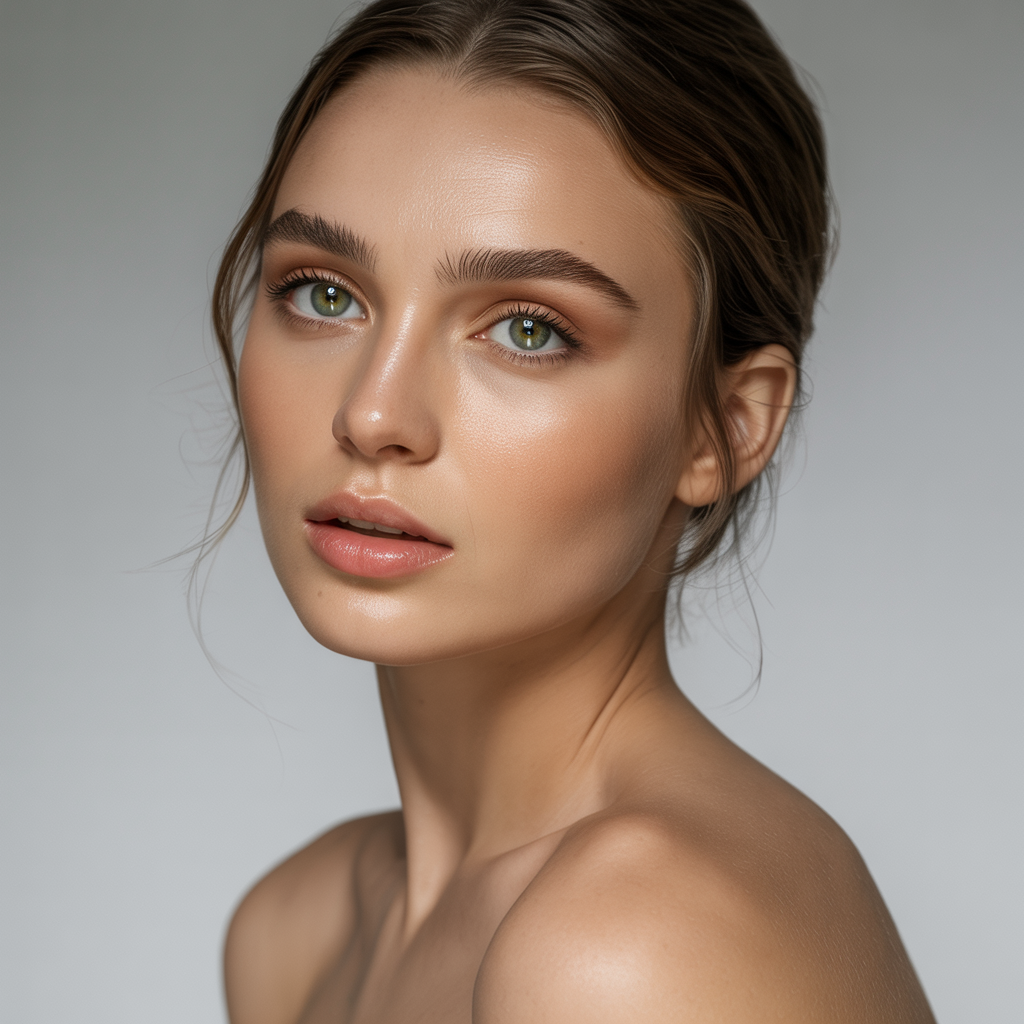
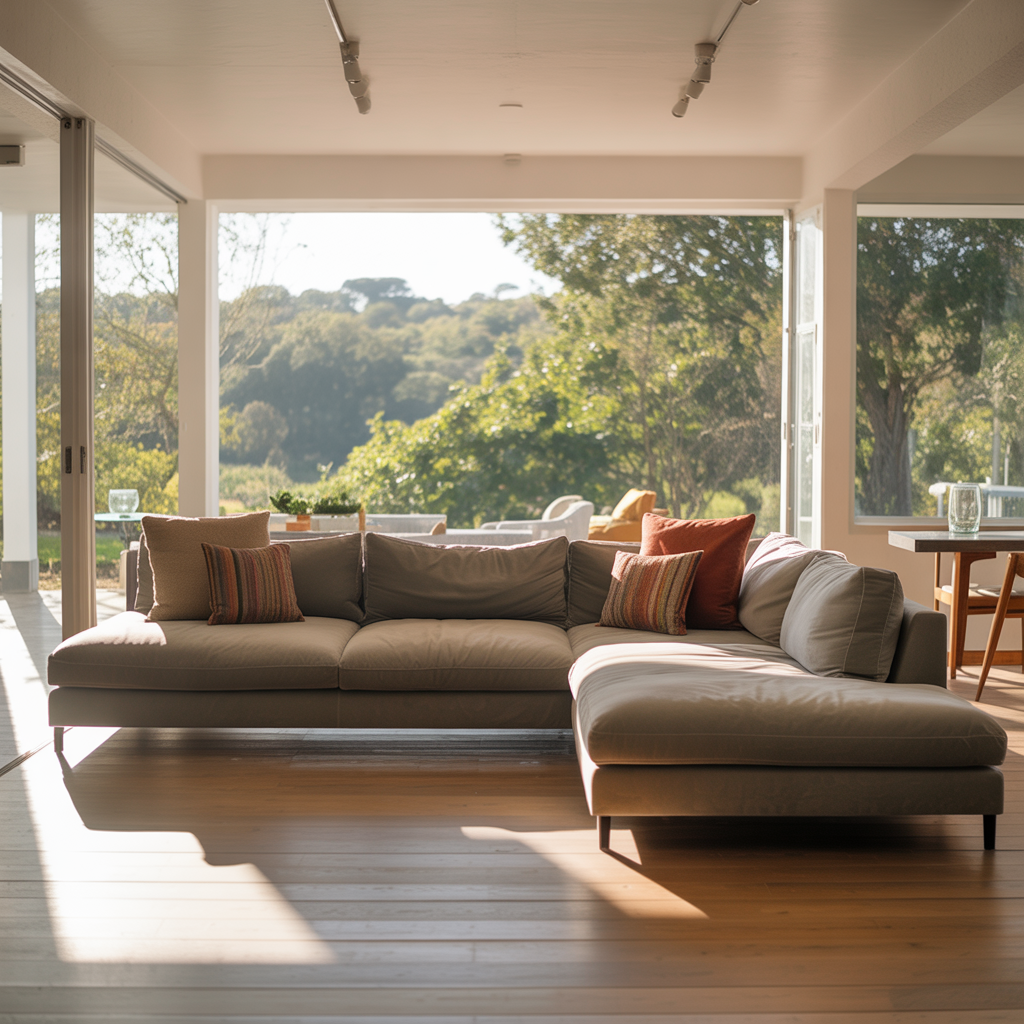
Enhancement, retouching, style transfer, background replacement, and more. Click any tool to see details.
Cost comparison
What 100 client photos cost per month
A realistic breakdown for a photographer delivering 100 edited images per month. Outsourced retouching vs. FairStack.
| Task | Traditional | FairStack | Savings |
|---|---|---|---|
| Basic retouching (100 images) | $200-$800 | $2.50 | 98.7-99.7% |
| Background replacement (20 images) | $100-$500 | $0.50 | 99.5-99.9% |
| Style/color grading (50 images) | $150-$500 | $1.25 | 99.2-99.7% |
| Beauty retouching (30 portraits) | $120-$450 | $0.75 | 99.4-99.8% |
| Monthly total | ~$570-$2,250 | ~$5.00 | 99.1-99.8% |
Traditional costs based on industry averages from Fix The Photo, Image Retouching Lab, and freelancer marketplace rates (2025). FairStack costs are per-generation prices including platform fee. Actual costs vary by model selection and output quality.
Workflows
How photographers use FairStack
Four common workflows and what they actually cost.
Client photo delivery
~$5-$15 per shootTake a 200-photo shoot from raw to client-ready in minutes instead of hours.
- 1 Upload shoot photos for AI enhancement (exposure, white balance, sharpness)
- 2 Apply consistent style transfer across the entire set
- 3 Batch-process beauty retouching on portrait shots
Product photography
~$0.10-$0.25 per productTurn simple product shots into lifestyle images without a studio.
- 1 Photograph product on a plain background
- 2 Use AI background swap to place in lifestyle scenes
- 3 Generate multiple scene variations for different platforms
Portfolio building
~$1-$3 totalCreate a diverse portfolio showcasing your range without reshooting.
- 1 Apply different style transfers to your best shots (film, cinematic, editorial)
- 2 Enhance lighting and color on older work to match current quality
- 3 Generate variations for different portfolio sections
Social media content
~$0.50-$1 per weekRepurpose client work into scroll-stopping social content.
- 1 Apply trending visual styles to behind-the-scenes shots
- 2 Create before/after comparisons with AI enhancement
- 3 Generate styled graphics from your best photos
The editing bottleneck is real
Post-processing is where photographers lose the most time and money. AI changes the economics entirely.
editing time vs. shooting time for most photographers
VSCO Photography Business Guide (2024)
per image for outsourced retouching
Fix The Photo, Image Retouching Lab (2025)
average professional photographer hourly rate
Thumbtack Photography Pricing (2025)
of retouching tasks AI can now handle
Industry estimates (2025)
Get started
Three steps to AI-powered photo editing
Sign up and add $10 in credits
No subscription. $10 gives you enough credits for 400 photo enhancements. Credits never expire.
Upload a photo and try AI enhancement
Pick any client photo. See AI-enhanced results in seconds. Compare before and after side by side.
Try style transfer on your best shot
Apply a film look, cinematic grade, or any named style to your photo. At $0.025/image, experiment freely.
Explore more industries
See how other industries use AI tools to cut content costs.
Frequently asked questions
Common questions from photographers about AI-powered editing tools.
Can AI photo editing replace professional retouching?
For most commercial and portrait work, AI editing now matches or exceeds basic-to-mid-level retouching quality. AI handles skin smoothing, color correction, exposure balancing, and background cleanup in seconds. High-end editorial retouching (frequency separation, dodge-and-burn sculpting) still benefits from a human eye, but AI covers 80-90% of typical client deliverable needs. Many professional retouchers now use AI as a first pass, then refine manually -- cutting their editing time by 60-80%.
Will AI editing make my photos look fake or over-processed?
Modern AI models are trained on millions of professionally edited photos. The results look natural -- like good lighting and skilled retouching, not a heavy Instagram filter. FairStack offers multiple intensity levels (subtle, natural, polished, editorial) so you control how much processing is applied. The key: AI enhances what's there rather than fabricating details.
Can I batch-process client shoots through the API?
Yes. Every tool available in the web app is also available through the FairStack API. You can build a workflow that processes an entire shoot (50-200+ images) programmatically -- applying consistent edits, style transfers, or background swaps across all images. API pricing is identical to web app pricing. Many photographers integrate FairStack into their Lightroom-to-delivery pipeline.
What image formats and resolutions are supported?
FairStack accepts JPEG, PNG, and WebP inputs. Output resolution depends on the model used, with most generating up to 2048x2048 pixels. For photo enhancement and retouching tools that work on your uploaded images, the output matches or exceeds your input resolution. All outputs are suitable for web, social media, and most print applications.
How does AI style transfer work for photography?
Style transfer analyzes the visual characteristics of a reference style (color palette, contrast, texture, mood) and applies those characteristics to your photo while preserving the original composition and subject. You can transform photos into film-look, vintage, cinematic, or any named aesthetic. At $0.025 per transfer, you can experiment with dozens of looks before choosing -- something impractical with manual color grading.
Is the quality good enough for print deliverables?
For standard print sizes (up to 16x20 inches at 300 DPI), AI-enhanced images hold up well. The output resolution of most models (2048x2048) supports prints up to approximately 7x7 inches at 300 DPI natively, and AI upscaling can extend this further. For large-format prints or billboard work, you may want to start with high-resolution originals. For web, social media, albums, and standard prints, AI quality is production-ready.
How much can a photographer save per month?
A photographer outsourcing retouching on 100 client photos at $2-8/image spends $200-$800/month on editing alone. The same volume on FairStack costs about $2.50. Add background swaps and style editing, and a typical studio spending $900-$3,200/month on post-production could reduce that to under $10. Exact savings depend on your current workflow, outsourcing rates, and volume.
Start editing with AI today
Most photographers start with photo enhancement at $0.025/image.
No subscription. Pay only for what you generate. Credits never expire.