AI image
No subscription required
Game Asset
Sprites, items, and concept art
Generate game characters, items, environments, and UI elements. Consistent style, transparent backgrounds, game-ready quality.
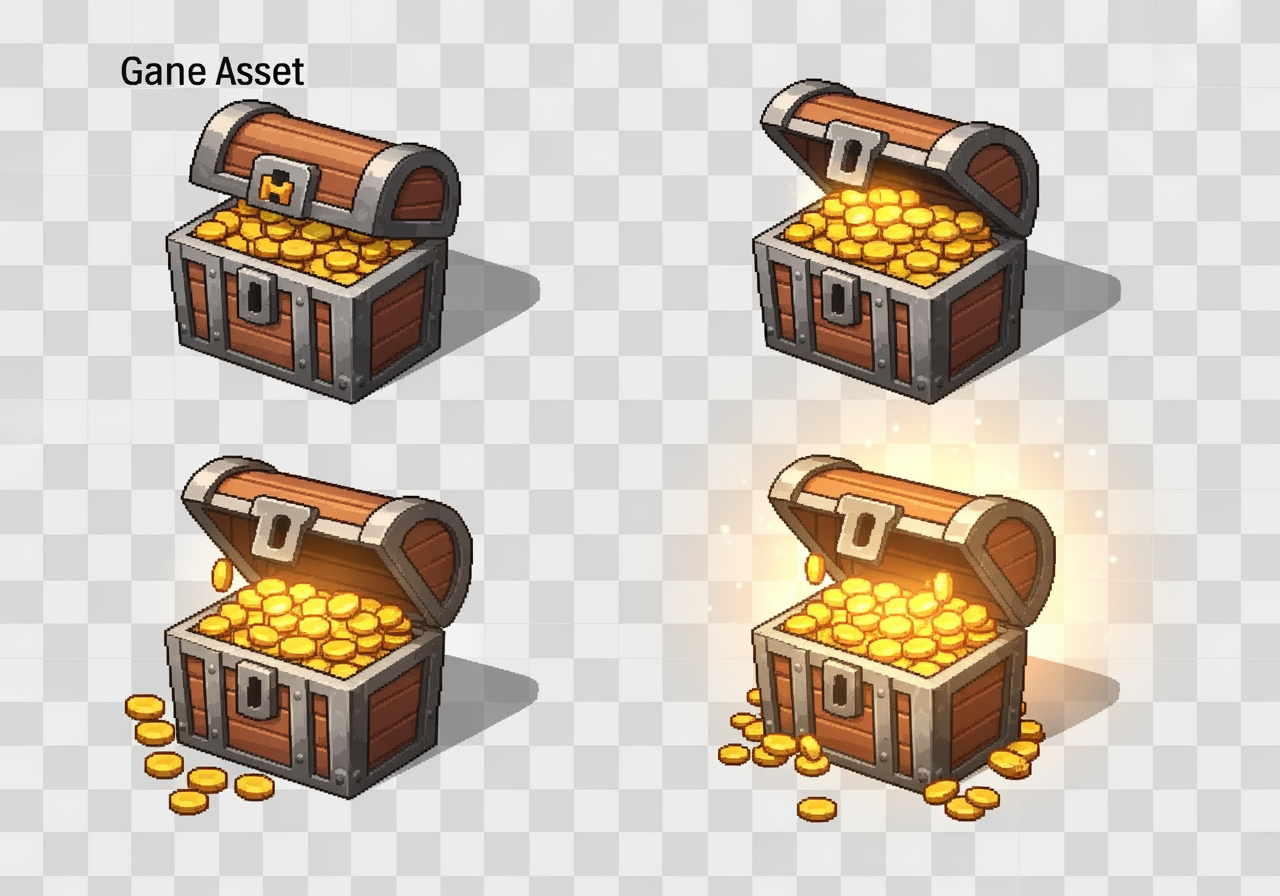
How Game Asset Works
Game Asset uses AI image generation to create characters, items, environments, and UI elements for game development. Describe what you need -- a fire mage character, a healing potion, a forest tileset, or a health bar -- and specify the art style. The AI generates game-ready artwork with consistent style, clean edges, and optionally transparent backgrounds suitable for direct integration into game engines like Unity, Godot, and Unreal.
Indie game developers use Game Asset to prototype and ship games without a dedicated artist. Solo developers create complete sprite sheets for 2D platformers. Game jam participants generate assets under tight deadlines. Mobile game studios produce casual game art at scale. Tabletop game designers create card art and token illustrations. Students and hobbyists bring game concepts to life without art skills or budget.
For the most game-ready results, specify the exact art style you need: pixel art, hand-painted, vector, cel-shaded, or realistic. Include the intended perspective (top-down, isometric, side-view). For characters, describe the pose and size relative to the game world. Request transparent backgrounds for sprites and items that will be composited. Generate multiple assets in the same style description to maintain visual consistency across your game. At $0.04 per asset, creating 100 game sprites costs just $4.00.
How it works
1
Describe what you need
2
Pick asset type (character, item, environment, UI)
3
Download your game-ready asset
What you'll get
High-resolution output ready for social, web, or print
Multiple style variations available per generation
Commercial-use license included with every output
PNG, JPG, or WebP format at up to 4K resolution
Instant download -- no watermarks, no waiting
Consistent quality powered by state-of-the-art AI models
Frequently asked questions
Do I need a subscription to use Game Asset?
No. FairStack uses pay-per-use pricing. Add funds to your account and use any tool whenever you need it. There is no subscription, no monthly commitment, and no minimum spend.
What file formats does Game Asset support?
Game Asset outputs PNG, JPG, and WebP. You can download results instantly after generation. All outputs are full quality with no watermarks.
How long does Game Asset take?
Most generations complete in 2-10 seconds. Processing time depends on the complexity of your input and the selected quality settings. You can monitor progress in real time.
Can I use Game Asset outputs commercially?
Yes. All outputs generated on FairStack include a commercial-use license. You can use them in client work, products, marketing materials, social media, and any other commercial context.
What resolution and format are the game assets?
Assets are generated as PNG files at up to 1024x1024 pixels with optional transparent backgrounds. The resolution is suitable for HD mobile games, web games, and indie PC titles. For pixel art, the AI generates at the appropriate scale which you can then resize to your target resolution without quality loss.
Can I use the assets in commercial games I sell?
Yes. All generated game assets are fully licensed for commercial use in any game you publish, sell, or monetize -- including Steam releases, App Store and Google Play titles, web games, and game jam submissions. No royalties, no revenue sharing, no attribution required.
Can I generate a full game's worth of assets?
Yes. At $0.04 per asset, creating 250 assets for a complete indie game (characters, items, environments, UI) costs just $10.00. Many indie developers generate their entire art pipeline through this tool, iterating on style until it matches their vision and then batch-generating all needed assets.
Built for Gaming & Streaming
Stream overlays, gaming thumbnails, game assets, and highlight reels. Stand out on Twitch, YouTube, and Kick.