AI video No subscription required

Podcast Teaser

Audio highlight becomes shareable video

Turn a podcast audio highlight into a shareable video clip. Add subtitles, quote cards, or waveform visuals. Optionally include a host photo for face animation. Perfect for promoting episodes on social media.
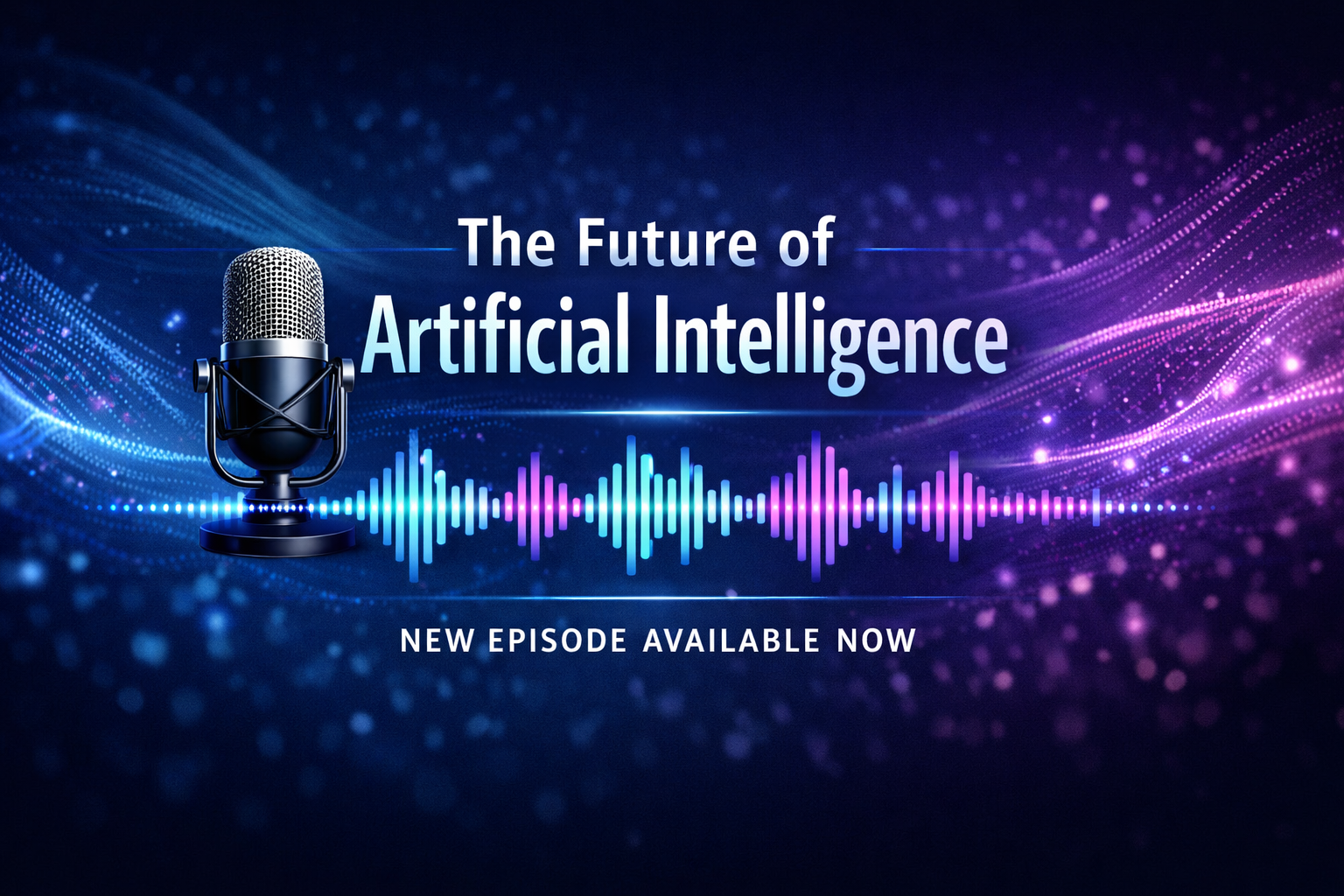
Podcast Teaser example output

How Podcast Teaser Works

Podcast Teaser transforms audio highlights from podcast episodes into shareable video clips suitable for social media promotion. You upload a short audio clip (15-60 seconds of a compelling moment), and the AI generates a video with your choice of visual treatment: subtitles (auto-captioned text synchronized to speech), quote cards (key phrases displayed as typographic cards), or waveform (animated audio visualization). Optionally include a host photo for face animation. Podcasters use Podcast Teaser to drive listenership by sharing compelling moments on visual platforms. A 30-second clip of the most interesting insight from each episode, posted on Instagram and TikTok, consistently drives more new subscribers than text-only promotional posts. Educators share key lecture moments. Coaches promote highlight clips from client sessions. Select the most attention-grabbing 15-30 second segment from your episode. Quotes that are surprising, funny, or thought-provoking perform best on social media. Include the episode title and number as text overlays for discoverability. The subtitle style works best when the speaker's words need to be read along with the audio, while quote cards are better for punchy one-liners.

How it works

1

Upload your audio highlight clip

2

Pick caption style (Subtitle, Quote card, Waveform)

3

Get your shareable teaser video

What you'll get

Podcast Teaser output preview

Turn a podcast audio highlight into a shareable video clip. Add subtitles, quote cards, or waveform visuals. Optionally include a host photo for face animation. Perfect for promoting episodes on social media.

HD or 4K video output ready for social or professional use

Multiple duration options from 2s to 60s+

MP4 format compatible with all editing software

Smooth motion and natural transitions

No watermarks on any output

Consistent quality across every generation

Frequently asked questions

Do I need a subscription to use Podcast Teaser?
No. FairStack uses pay-per-use pricing. Add funds to your account and use any tool whenever you need it. There is no subscription, no monthly commitment, and no minimum spend.
What file formats does Podcast Teaser support?
Podcast Teaser outputs MP4. You can download results instantly after generation. All outputs are full quality with no watermarks.
How long does Podcast Teaser take?
Most generations complete in 15-60 seconds depending on duration and resolution. Processing time depends on the complexity of your input and the selected quality settings. You can monitor progress in real time.
Can I use Podcast Teaser outputs commercially?
Yes. All outputs generated on FairStack include a commercial-use license. You can use them in client work, products, marketing materials, social media, and any other commercial context.
What video format and quality are podcast teaser clips?
Teaser videos are MP4 format at up to 720p resolution. Supported aspect ratios include 9:16 (Stories/TikTok), 1:1 (Instagram feed), and 16:9 (YouTube). Audio is embedded at original quality. Auto-generated subtitles have high accuracy for clear speech.
Can I use podcast teaser videos for paid promotion?
Yes. All FairStack outputs include a commercial-use license. Teaser videos can be used for organic social posts, paid advertising, newsletter embeds, and podcast directory listings.
Can I create teasers for all episodes in a season?
Yes. Generate individual teasers for each episode. At $0.05-0.15 per teaser, creating promotional clips for a 20-episode season costs $1.00-3.00. Use consistent visual styling across all teasers for brand cohesion.

Built for Musicians & Audio Creators

Album art, music videos, lyric videos, voice cloning, stem splitting, and podcast avatars. Visual content for your audio -- no video skills required.

More tools for Musicians & Audio Creators:

See all Musicians & Audio Creators tools