AI audio No subscription required

SFX Generator

Describe any sound, get the effect

Describe any sound effect in text and AI generates it. Footsteps, explosions, rain, whooshes, ambient noise, animal sounds -- anything you can describe. Set duration and style (cinematic, cartoon, realistic, lo-fi).
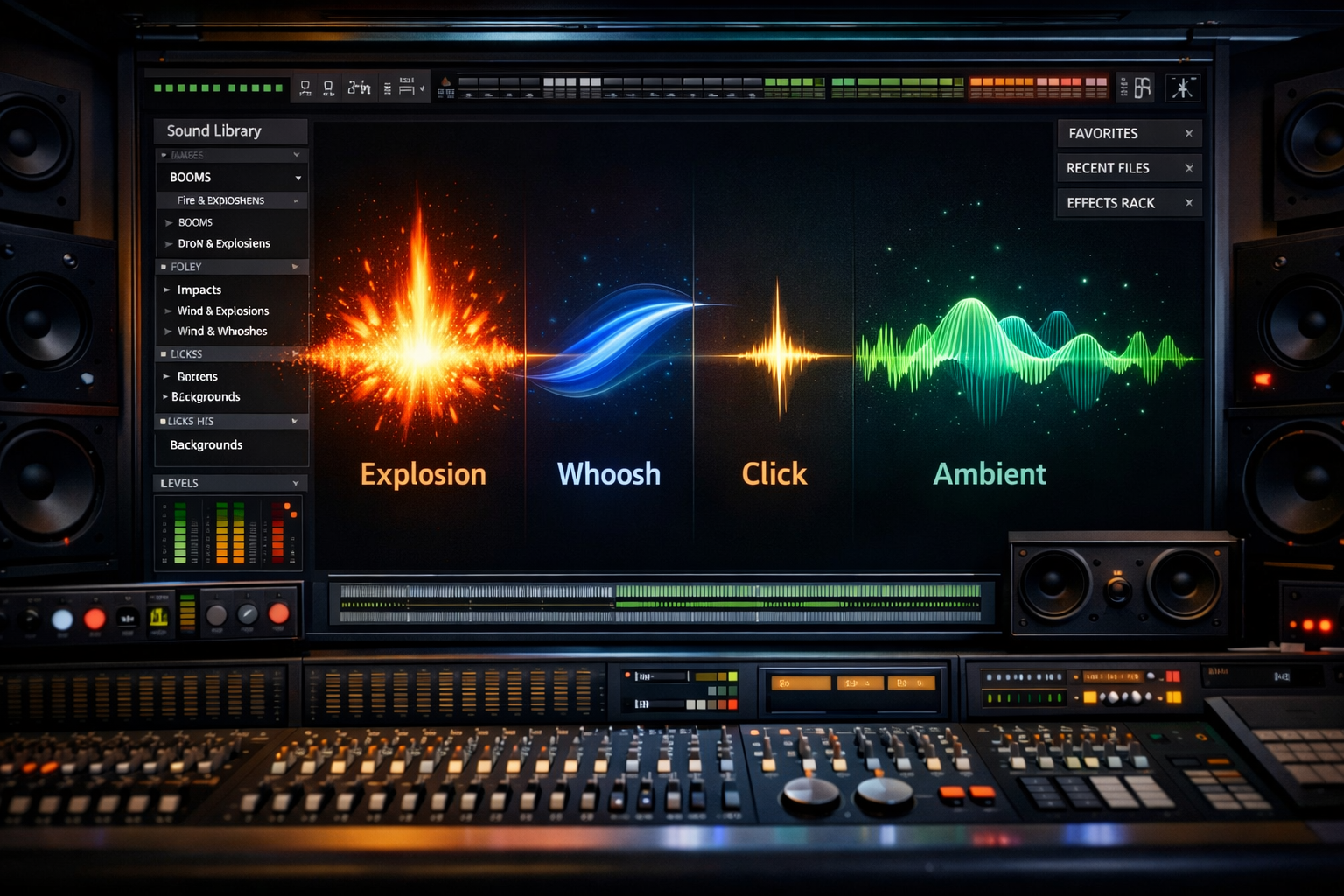
SFX Generator example output

How SFX Generator Works

SFX Generator uses audio generation AI to create custom sound effects from text descriptions. Describe any sound -- "heavy wooden door creaking open slowly," "rain on a tin roof with distant thunder," "sci-fi laser blast with echo" -- and the AI generates a realistic audio file that matches your description. You control the duration (1 to 30 seconds) and style (cinematic, cartoon, realistic, lo-fi). Game developers use SFX Generator to prototype audio without hiring a foley artist. Filmmakers create custom sounds that are not available in stock libraries. Podcasters generate atmospheric backgrounds and transition sounds. Musicians build unique samples for production. At $0.001 per second, generating a 10-second effect costs a fraction of a cent. Describe sounds with specific physical characteristics for the most accurate results -- include material (metal, wood, glass), action (crashing, sliding, dripping), environment (indoor, outdoor, underwater), and intensity (soft, moderate, explosive). The realistic style produces the most physically accurate sounds, while the cinematic style adds dramatic processing and the cartoon style creates exaggerated, animated-style effects.

How it works

1

Describe the sound effect you need

2

Pick duration and style (Cinematic, Cartoon, Realistic, Lo-fi)

3

Get your custom sound effect

What you'll get

SFX Generator

Audio output

0:00 Duration varies

Studio-quality audio at up to 48kHz sample rate

Natural-sounding output with minimal artifacts

WAV or MP3 format for any workflow

Adjustable duration and style parameters

Commercial license included with every file

Instant download and API access

Frequently asked questions

Do I need a subscription to use SFX Generator?
No. FairStack uses pay-per-use pricing. Add funds to your account and use any tool whenever you need it. There is no subscription, no monthly commitment, and no minimum spend.
What file formats does SFX Generator support?
SFX Generator outputs WAV and MP3. You can download results instantly after generation. All outputs are full quality with no watermarks.
How long does SFX Generator take?
Most generations complete in 5-20 seconds depending on length. Processing time depends on the complexity of your input and the selected quality settings. You can monitor progress in real time.
Can I use SFX Generator outputs commercially?
Yes. All outputs generated on FairStack include a commercial-use license. You can use them in client work, products, marketing materials, social media, and any other commercial context.
What audio format and quality are generated sound effects?
Sound effects are generated as WAV files at 44.1kHz sample rate. Duration matches your specification from 1 to 30 seconds. All effects are mono or stereo depending on the spatial characteristics of the described sound.
Can I use AI-generated sound effects in commercial productions?
Yes. All FairStack outputs include a commercial-use license. Generated sound effects can be used in games, films, podcasts, YouTube videos, apps, and any other commercial project without royalty payments.
Can I generate a library of sound effects in bulk?
Yes. The FairStack API supports batch audio generation. Submit multiple sound descriptions for parallel processing to build a custom SFX library. At $0.001 per second, generating 100 five-second effects costs just $0.50.

Built for Musicians & Audio Creators

Album art, music videos, lyric videos, voice cloning, stem splitting, and podcast avatars. Visual content for your audio -- no video skills required.

More tools for Musicians & Audio Creators:

See all Musicians & Audio Creators tools