01
Upload the cleanest source clip available.
Even if the footage is old or compressed, the best original copy gives the restore pass more information to work with.
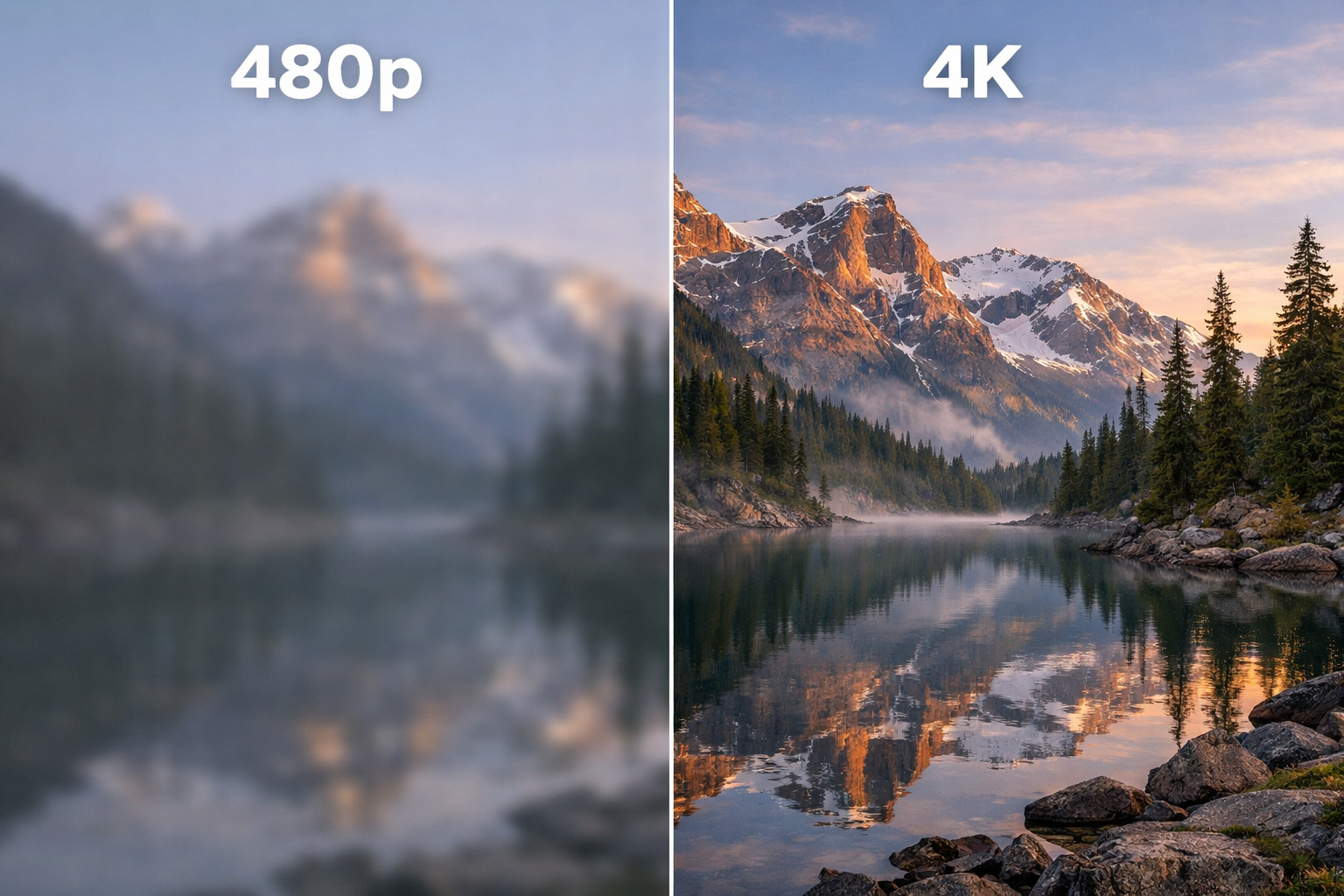
480p to 4K. Grainy footage, fixed. Old family video, made publishable again.
Sample output
Upscale and Restore Video
Use this page to evaluate the workflow before you decide which tool path deserves the next click.
How it works
Start with the best source you still have, then use the workflow to improve what actually matters in the frame.
Even if the footage is old or compressed, the best original copy gives the restore pass more information to work with.
Use lighter passes for quick recovery or push the clip harder when it needs a stronger rescue before delivery.
Once the clip is usable again, pass it back into the rest of your edit or campaign instead of leaving it buried in an archive.
Video upscaler AI
Upscale workflows are about salvage and finish. FairStack helps when the clip is already important enough to keep, but not clean enough to ship. Clean up the source, recover detail where possible, and export something the team can actually use again.
Feature grid
The value of an upscaler is not in creating motion from nothing. It is in making an existing asset usable again without adding a heavyweight desktop tool to the stack.
Resolution
Use the workflow when the source is fine conceptually but not clean enough for the platform or client you need to deliver to now.
Detail
Sharper text, cleaner surfaces, and more stable edges matter when the clip is carrying proof, context, or product detail.
Reuse
Useful for old launch clips, reused social footage, historical material, or one-off captures that are too expensive to recreate.
Delivery
Once the clip is sharper, it is easier to place into a landing page, a pitch deck, or the next video-editing step inside FairStack.
Sample showcase
These prompts focus on making existing material usable again rather than inventing a new shot.
Low-res clip pushed toward a cleaner finish
Upscale to 4K, recover texture where possible, and keep the motion stable.
Model
Video Upscale workflow
Cost
$0.12
Soft source image before enhancement
Use the source frame as a baseline before sharpening or increasing the output size.
Model
Original frame
Cost
$0.00
4x enhanced still pulled from the same source
Recover detail for a cleaner supporting frame before the clip is reused in marketing.
Model
Image Upscale HD
Cost
$0.03
Old campaign clip prepared for a new placement
Sharpen the frame, clean the edges, and make the clip usable for modern feeds again.
Model
Video Upscale quality pass
Cost
$0.25
Pricing comparison strip
The restore workflow sits on top of FairStack's broader video pricing posture. The rows below come straight from the same shared competitor file used site-wide.
Model
FairStack
$0.90
per 5s video
TopView Pro
$0.87
per 5s video
Deevid
$0.72
per 5s video
Model
FairStack
$0.60
per 5s video
TopView Pro
$0.56
per 5s video
Deevid
$0.45
per 5s video
Use these rows as the motion baseline. Cleanup and restore passes layer on top without forcing you into another monthly desktop-tool subscription.
Social proof
Upscaling is rarely the first creative step. It is the rescue step when the footage is already important enough to keep.
Filmmakers
Use the workflow when archive or B-roll footage still belongs in the cut but cannot ship as-is.
Social teams
Clean up valuable past content before it goes back into the feed or onto a landing page.
Agencies
A stronger cleanup pass is often faster than waiting on another source file or another round of production.
Archive owners
When the clip cannot be recreated, even modest cleanup can make the footage more useful and more viewable.
FAQ
The starting price on this page covers the lighter restore path. Higher quality passes cost more because they do more cleanup work on the source clip.
Start with the faster pass to judge how much the source can recover, then move to the heavier cleanup only when the clip deserves the extra spend.
Yes. Once the footage is yours to use, the restored output is fine for commercial and marketing delivery as well.
No. FairStack keeps the workflow pay-per-use, which matters when you need cleanup occasionally instead of every day.
The workflow ends in standard export-friendly media you can download and move into the next editing or publishing step.
Fast enough to make the decision in the same work session. The goal is to tell quickly whether the footage deserves a stronger pass or should be replaced.
Start with the source you still have, recover the sharpness you can, and move the rescued clip back into your actual workflow.