AI image
No subscription required
Season Swap
See your outfit in any season
See how your outfit looks in different seasons and weather conditions. Spring blossoms, summer sun, fall leaves, winter snow -- plus golden hour, rain, and overcast options.
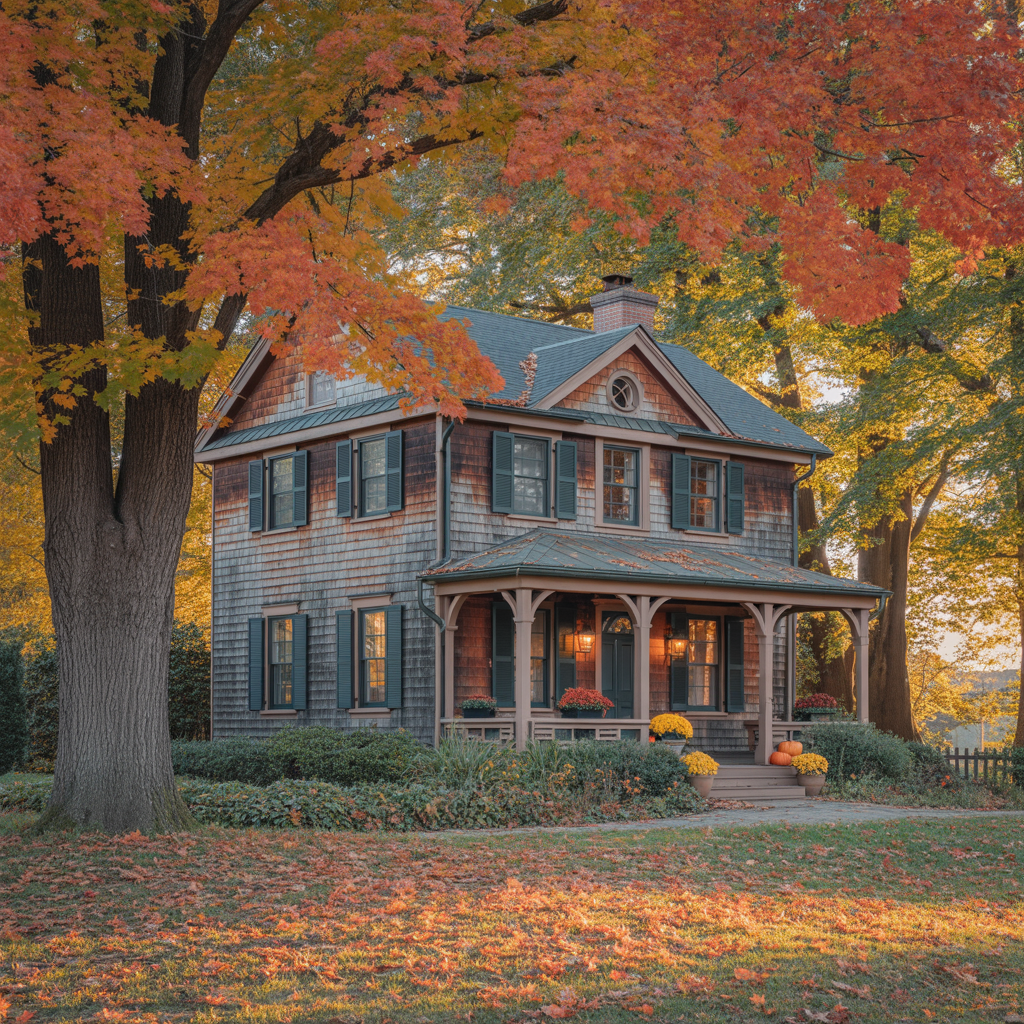
How Season Swap Works
Season Swap uses AI to transform the environment around your outfit while keeping the clothing intact. The AI detects the outfit and subject, then regenerates the background and lighting to match a different season or weather condition. Spring adds blossoms and soft light. Summer brings bright sunshine and green foliage. Fall introduces warm tones and fallen leaves. Winter adds snow and cool, overcast lighting.
Fashion brands use Season Swap to create seasonal marketing content year-round without waiting for the actual season. A winter coat brand can shoot in July and still show the product in a snowy setting. Fashion bloggers produce seasonal content ahead of time. Retailers create holiday and seasonal promotional imagery months in advance.
Upload an outfit photo where the full outfit and some background are visible. Outdoor photos with natural backgrounds produce the most convincing season transitions. Indoor photos still work -- the AI transforms visible windows, lighting, and any environmental elements. Golden hour and rain effects add dramatic visual impact without a full season change.
How it works
1
Upload your outfit photo
2
Pick a season and weather condition
3
See your outfit in the new environment
What you'll get
High-resolution output ready for social, web, or print
Multiple style variations available per generation
Commercial-use license included with every output
PNG, JPG, or WebP format at up to 4K resolution
Instant download -- no watermarks, no waiting
Consistent quality powered by state-of-the-art AI models
Frequently asked questions
Do I need a subscription to use Season Swap?
No. FairStack uses pay-per-use pricing. Add funds to your account and use any tool whenever you need it. There is no subscription, no monthly commitment, and no minimum spend.
What file formats does Season Swap support?
Season Swap outputs PNG, JPG, and WebP. You can download results instantly after generation. All outputs are full quality with no watermarks.
How long does Season Swap take?
Most generations complete in 2-10 seconds. Processing time depends on the complexity of your input and the selected quality settings. You can monitor progress in real time.
Can I use Season Swap outputs commercially?
Yes. All outputs generated on FairStack include a commercial-use license. You can use them in client work, products, marketing materials, social media, and any other commercial context.
What image quality does Season Swap produce?
Output images are PNG format at up to 1024x1024 resolution. The AI generates realistic seasonal elements (leaves, snow, blossoms, sunlight) while preserving the outfit in full detail. All outputs are full quality with no watermarks.
Can I use season-swapped images for seasonal marketing campaigns?
Yes. All FairStack outputs include a commercial-use license. Season Swap images are specifically designed for seasonal promotions, collection launches, holiday campaigns, and evergreen content calendars.
Can I create all four seasons from one outfit photo?
Yes. Submit the same outfit photo four times with different season selections. At $0.025 each, a complete four-season set costs just $0.10. This is a popular approach for fashion brands planning seasonal content calendars.
Built for Fashion & Beauty
Virtual try-on, lookbooks, outfit reels, beauty retouching, and hair/makeup previews. Create fashion content without a photoshoot.
More tools for Fashion & Beauty:
Virtual Try-On
Try any outfit from a photo
Outfit Breakdown
Every piece labeled and identified
Lookbook
One outfit, 6 editorial poses
Beauty Retouch
Natural skin enhancement
Relight Portrait
Studio lighting from your phone
Outfit Reel
One photo, complete outfit video