AI video No subscription required

Camera Angles

8 cinematic angles from 1 photo

Upload one photo and get 8 cinematic camera angle variations -- dolly, pan, orbit, tilt, and more. Perfect for content variety without reshooting.
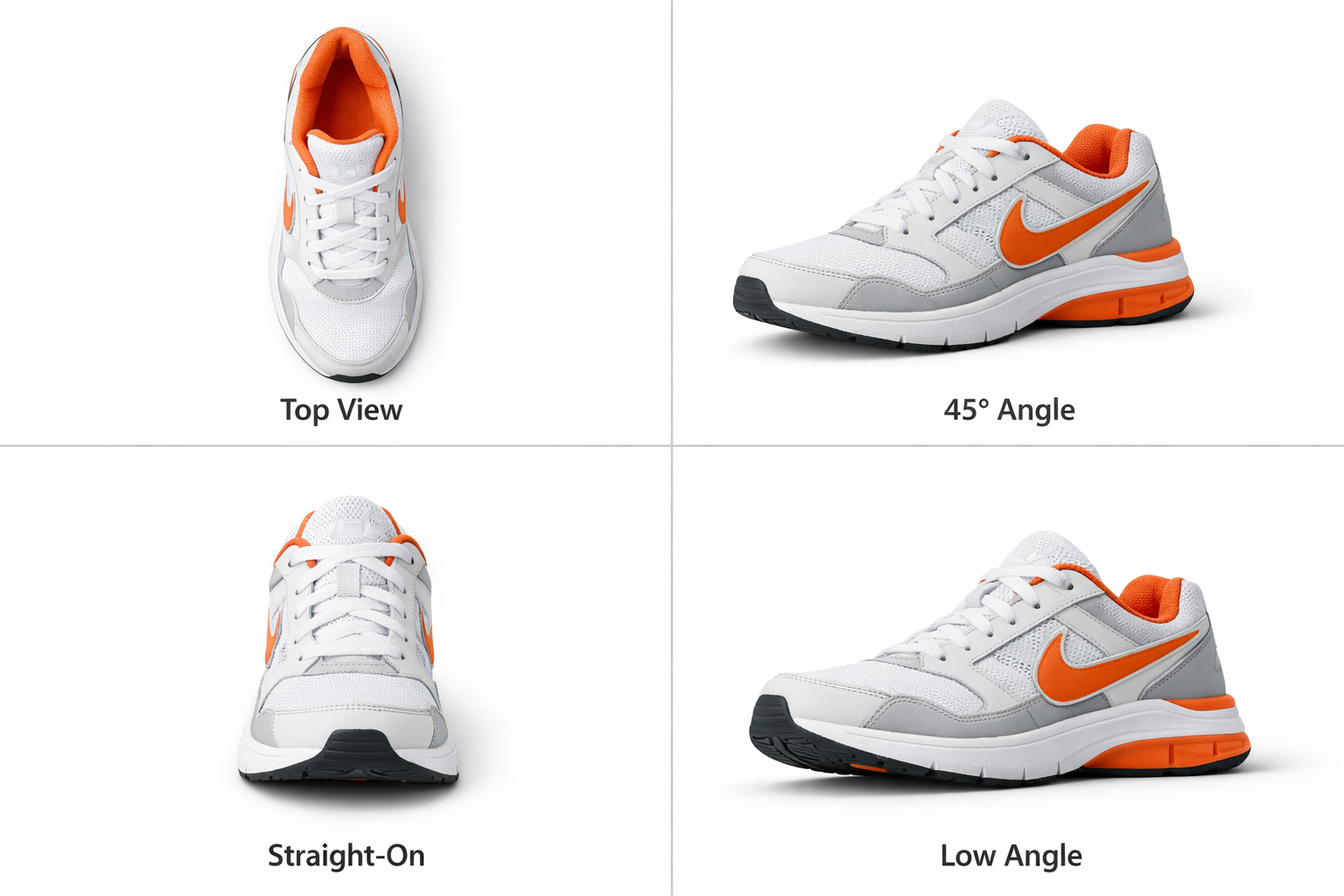
Camera Angles example output

How Camera Angles Works

Camera Angles takes a single still photo and generates 8 short video clips, each simulating a different cinematic camera movement -- dolly in, dolly out, pan left, pan right, orbit, tilt up, tilt down, and tracking. The AI creates depth from the 2D image, then renders smooth camera motion through that estimated 3D space. Content creators use this to multiply one photo into an entire content batch. Instead of shooting the same scene from 8 positions, you upload once and get all the angles in about a minute. Real estate photographers, product marketers, and travel content creators especially benefit from the variety without reshooting. Upload high-resolution photos with clear depth cues for the most convincing motion. Landscape and architecture photos produce the most dramatic camera movements. Portraits work well for orbit and dolly moves but less so for pans. The total cost for all 8 angles is approximately $0.56, which averages to about $0.07 per individual video clip.

How it works

1

Upload your photo

2

AI generates 8 camera angle variations

3

Download the video grid

What you'll get

Camera Angles output preview

Upload one photo and get 8 cinematic camera angle variations -- dolly, pan, orbit, tilt, and more. Perfect for content variety without reshooting.

HD or 4K video output ready for social or professional use

Multiple duration options from 2s to 60s+

MP4 format compatible with all editing software

Smooth motion and natural transitions

No watermarks on any output

Consistent quality across every generation

Frequently asked questions

Do I need a subscription to use Camera Angles?
No. FairStack uses pay-per-use pricing. Add funds to your account and use any tool whenever you need it. There is no subscription, no monthly commitment, and no minimum spend.
What file formats does Camera Angles support?
Camera Angles outputs MP4. You can download results instantly after generation. All outputs are full quality with no watermarks.
How long does Camera Angles take?
Most generations complete in 15-60 seconds depending on duration and resolution. Processing time depends on the complexity of your input and the selected quality settings. You can monitor progress in real time.
Can I use Camera Angles outputs commercially?
Yes. All outputs generated on FairStack include a commercial-use license. You can use them in client work, products, marketing materials, social media, and any other commercial context.
What video format and resolution do the camera angle clips come in?
Each clip is delivered as an MP4 file at up to 720p resolution with a duration of 4-5 seconds. All 8 clips are generated in a single batch and available for individual download.
Can I use these camera angle videos in commercial projects?
Yes. All video outputs from FairStack include a commercial-use license. You can use them in client work, social media campaigns, real estate listings, product marketing, and any other commercial context.
Can I generate camera angles for multiple photos in one session?
Each generation processes one photo into 8 angles. You can queue multiple photos back-to-back through the web app, or use the API to submit several photos simultaneously for parallel processing.

Built for Social Media Creators

TikTok, Instagram Reels, YouTube Shorts -- 15 AI tools built for high-volume creators. Trending effects, viral restyling, talking photos, beat-synced video. All pay-per-use, no subscription.

More tools for Social Media Creators:

See all Social Media Creators tools

Try Camera Angles

No subscription required.

Start Creating