AI video No subscription required

Photo to Video

Animate any photo

Turn any still photo into a short video clip with natural motion. Choose cinematic, dynamic, subtle, or dramatic motion styles. Add an optional text prompt to guide the animation.

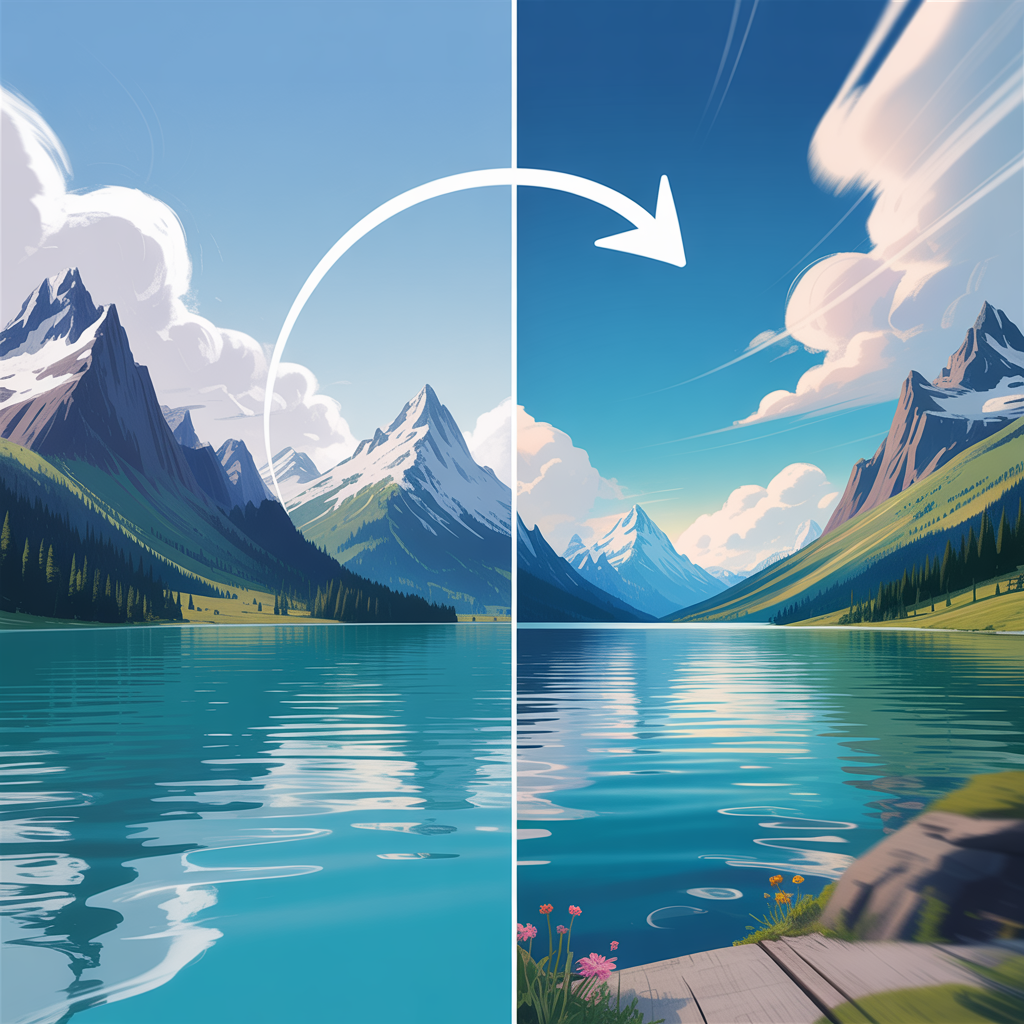
Photo to Video before and after - Animated Frame
Photo to Video before and after - Still Photo
Still Photo
Animated Frame

How Photo to Video Works

Photo to Video uses image-to-video AI models to add natural motion to any still photograph. The AI analyzes the image content -- people, objects, landscapes, lighting -- and generates plausible movement that brings the scene to life. You can guide the animation with a text prompt (like "wind blowing through hair" or "waves crashing on the shore") or pick from preset motion styles. This is one of the most versatile tools on FairStack. Social media creators animate food photos, travel shots, and portraits. Real estate agents bring property photos to life with subtle camera movements. E-commerce sellers create eye-catching product videos from a single product shot. Fitness trainers animate workout poses into short demonstration clips. Start with a sharp, high-resolution source photo for the smoothest animation. Describe specific motion if you want control -- "camera slowly zooms in" or "person turns head and smiles." Without a prompt, the AI chooses the most natural motion for the scene. Shorter durations (4-5 seconds) tend to produce smoother results than longer ones.

How it works

1

Upload your photo

2

Pick a motion style (or describe what should happen)

3

Get your animated video clip

What you'll get

Photo to Video output preview

Turn any still photo into a short video clip with natural motion. Choose cinematic, dynamic, subtle, or dramatic motion styles. Add an optional text prompt to guide the animation.

HD or 4K video output ready for social or professional use

Multiple duration options from 2s to 60s+

MP4 format compatible with all editing software

Smooth motion and natural transitions

No watermarks on any output

Consistent quality across every generation

Frequently asked questions

Do I need a subscription to use Photo to Video?
No. FairStack uses pay-per-use pricing. Add funds to your account and use any tool whenever you need it. There is no subscription, no monthly commitment, and no minimum spend.
What file formats does Photo to Video support?
Photo to Video outputs MP4. You can download results instantly after generation. All outputs are full quality with no watermarks.
How long does Photo to Video take?
Most generations complete in 15-60 seconds depending on duration and resolution. Processing time depends on the complexity of your input and the selected quality settings. You can monitor progress in real time.
Can I use Photo to Video outputs commercially?
Yes. All outputs generated on FairStack include a commercial-use license. You can use them in client work, products, marketing materials, social media, and any other commercial context.
What video quality and format does Photo to Video produce?
Videos are delivered as MP4 files at up to 720p or 1080p resolution depending on the model used. Default duration is 4-5 seconds, with longer durations available on select models. No watermarks on any output.
Can I use Photo to Video outputs in commercial campaigns?
Yes. All FairStack outputs come with a full commercial-use license. You can use animated photos in ads, social posts, client presentations, real estate listings, and product pages without restriction.
Is there an API for batch photo-to-video processing?
Yes. The FairStack API supports image-to-video generation with async processing. Submit multiple photos via the API and poll for results as each video completes. This is ideal for processing product catalogs or content libraries at scale.

Built for Social Media Creators

TikTok, Instagram Reels, YouTube Shorts -- 15 AI tools built for high-volume creators. Trending effects, viral restyling, talking photos, beat-synced video. All pay-per-use, no subscription.

More tools for Social Media Creators:

See all Social Media Creators tools

Try Photo to Video

No subscription required.

Start Creating