AI video No subscription required

Talking Photo

Make anyone say anything

Upload a portrait photo and either record/upload audio or type text. The AI animates the face to lip-sync with the audio. Choose from 168 voices if using text input. Works with any portrait.

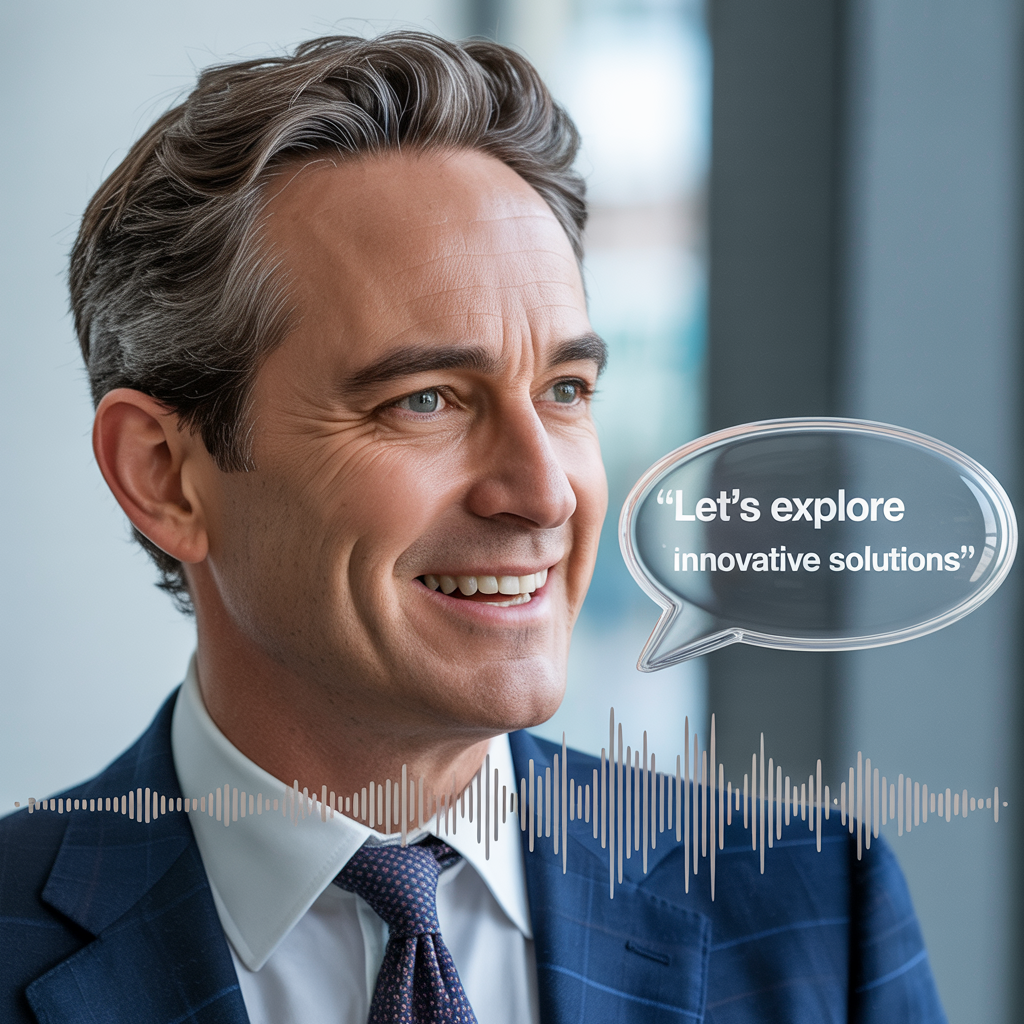
Talking Photo before and after - Animated Frame
Talking Photo before and after - Still Photo
Still Photo
Animated Frame

How Talking Photo Works

Talking Photo combines two AI capabilities: text-to-speech voice synthesis and facial animation. When you type text, the AI first generates natural-sounding speech from your script using one of 168 available voices, then animates the portrait photo to lip-sync with that audio. If you upload your own audio instead, the tool skips speech synthesis and goes straight to facial animation. Educators use Talking Photo to create engaging lesson narrators from historical figures or illustrated characters. Real estate agents make property tour presenters. Healthcare providers build patient education videos with friendly spokesperson faces. Social media creators generate humorous talking portraits for engagement bait. Choose a portrait photo where the face is clearly visible, well-lit, and roughly centered. Front-facing photos with a neutral expression produce the most convincing lip sync. Avoid photos with open mouths, heavy shadows across the face, or extreme angles. Keep scripts under 60 seconds for the best quality -- longer scripts can be split into multiple clips.

How it works

1

Upload a portrait photo

2

Type text or upload audio

3

Get a video with synced lip movement

What you'll get

Talking Photo output preview

Upload a portrait photo and either record/upload audio or type text. The AI animates the face to lip-sync with the audio. Choose from 168 voices if using text input. Works with any portrait.

HD or 4K video output ready for social or professional use

Multiple duration options from 2s to 60s+

MP4 format compatible with all editing software

Smooth motion and natural transitions

No watermarks on any output

Consistent quality across every generation

Frequently asked questions

Do I need a subscription to use Talking Photo?
No. FairStack uses pay-per-use pricing. Add funds to your account and use any tool whenever you need it. There is no subscription, no monthly commitment, and no minimum spend.
What file formats does Talking Photo support?
Talking Photo outputs MP4. You can download results instantly after generation. All outputs are full quality with no watermarks.
How long does Talking Photo take?
Most generations complete in 15-60 seconds depending on duration and resolution. Processing time depends on the complexity of your input and the selected quality settings. You can monitor progress in real time.
Can I use Talking Photo outputs commercially?
Yes. All outputs generated on FairStack include a commercial-use license. You can use them in client work, products, marketing materials, social media, and any other commercial context.
What format are Talking Photo videos?
Videos are delivered as MP4 files at up to 720p resolution. Duration matches the length of your script or uploaded audio. Audio is embedded directly in the video file at 44.1kHz.
Can I use Talking Photo videos for business presentations or ads?
Yes. All outputs include a commercial-use license. Talking Photo videos are commonly used for product demos, real estate walkthroughs, educational content, and social media ads.
Can I process multiple talking photos at once via the API?
Yes. The FairStack API supports talking-head video generation. You can submit multiple portrait-plus-script pairs and process them in parallel, which is useful for creating a series of spokesperson videos or multilingual variants.

Built for Social Media Creators

TikTok, Instagram Reels, YouTube Shorts -- 15 AI tools built for high-volume creators. Trending effects, viral restyling, talking photos, beat-synced video. All pay-per-use, no subscription.

More tools for Social Media Creators:

See all Social Media Creators tools

Try Talking Photo

No subscription required.

Start Creating