AI video No subscription required

Unboxing

Simulate product unboxing video

Generate a simulated unboxing video for your product. Choose box style (kraft, white, luxury, branded) and reveal speed. Perfect for pre-launch marketing and social content.
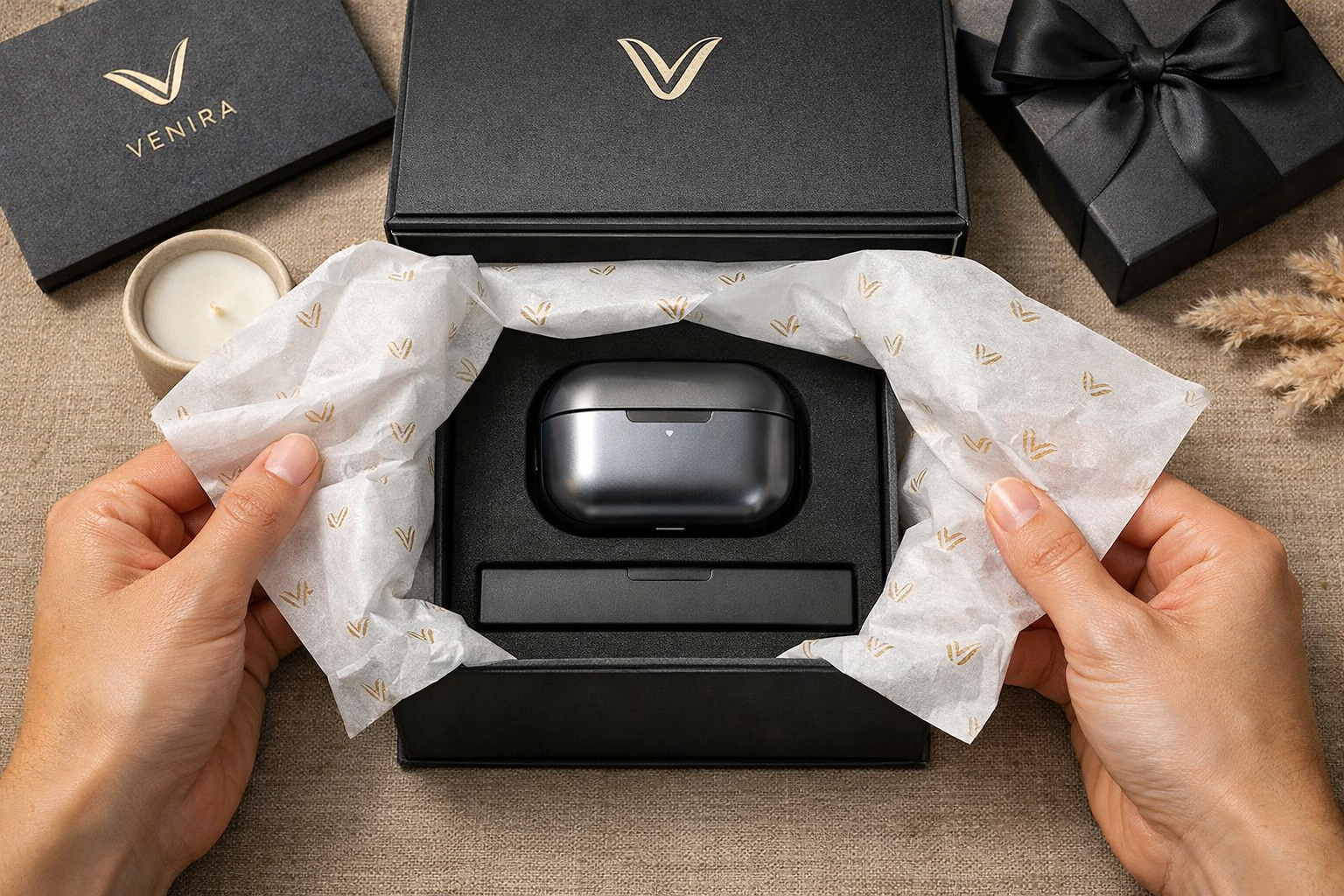
Unboxing example output

How Unboxing Works

Unboxing uses image-to-video AI to simulate a product being revealed from its packaging. You upload a product photo, choose the box style (kraft cardboard, clean white, luxury black, or branded), select a reveal speed, and the AI generates a short video showing the box opening and the product emerging. The result mimics the popular unboxing video format without requiring physical boxes or filming equipment. E-commerce sellers use Unboxing videos for pre-launch marketing when the physical product is not yet available. Crowdfunding campaigns show backers what the unboxing experience will look like. Social media marketers create unboxing content for products they cannot physically open on camera -- digital products, subscription boxes in planning, or products still in manufacturing. Upload a well-lit product photo with the full product visible. Products with distinctive shapes produce the most satisfying reveals. The luxury box style works best for premium goods, while kraft is ideal for eco-friendly or artisan brands. Keep the reveal speed moderate for social media -- fast reveals can feel rushed on first viewing.

How it works

1

Upload your product photo

2

Pick a box style and reveal speed

3

Get your unboxing video

What you'll get

Unboxing output preview

Generate a simulated unboxing video for your product. Choose box style (kraft, white, luxury, branded) and reveal speed. Perfect for pre-launch marketing and social content.

HD or 4K video output ready for social or professional use

Multiple duration options from 2s to 60s+

MP4 format compatible with all editing software

Smooth motion and natural transitions

No watermarks on any output

Consistent quality across every generation

Frequently asked questions

Do I need a subscription to use Unboxing?
No. FairStack uses pay-per-use pricing. Add funds to your account and use any tool whenever you need it. There is no subscription, no monthly commitment, and no minimum spend.
What file formats does Unboxing support?
Unboxing outputs MP4. You can download results instantly after generation. All outputs are full quality with no watermarks.
How long does Unboxing take?
Most generations complete in 15-60 seconds depending on duration and resolution. Processing time depends on the complexity of your input and the selected quality settings. You can monitor progress in real time.
Can I use Unboxing outputs commercially?
Yes. All outputs generated on FairStack include a commercial-use license. You can use them in client work, products, marketing materials, social media, and any other commercial context.
What video quality does Unboxing produce?
Unboxing videos are MP4 format at up to 720p resolution with a duration of 4-8 seconds. The box and product are rendered with realistic lighting and shadows. No watermarks on any output.
Can I use unboxing videos for pre-launch marketing?
Yes. All FairStack outputs include a commercial-use license. Unboxing videos are commonly used for crowdfunding campaigns, pre-order pages, social media teasers, and product launch announcements.
Can I create unboxing videos for multiple products?
The web app processes one product at a time. For batch generation, use the FairStack API to submit multiple product photos with your preferred box style for parallel video processing. Each unboxing video costs $0.07-0.15.

Built for E-Commerce & Product Marketing

Product photography, video ads, background swaps, and catalog batch processing. Professional e-commerce content without a photographer or studio.

More tools for E-Commerce & Product Marketing:

See all E-Commerce & Product Marketing tools