AI image No subscription required

Diagram Generator

Text description to clean diagram

Describe a process, hierarchy, or comparison in text and get a clean visual diagram. Supports flowcharts, mind maps, timelines, comparison charts, and hierarchy diagrams. Perfect for presentations, docs, and lessons.
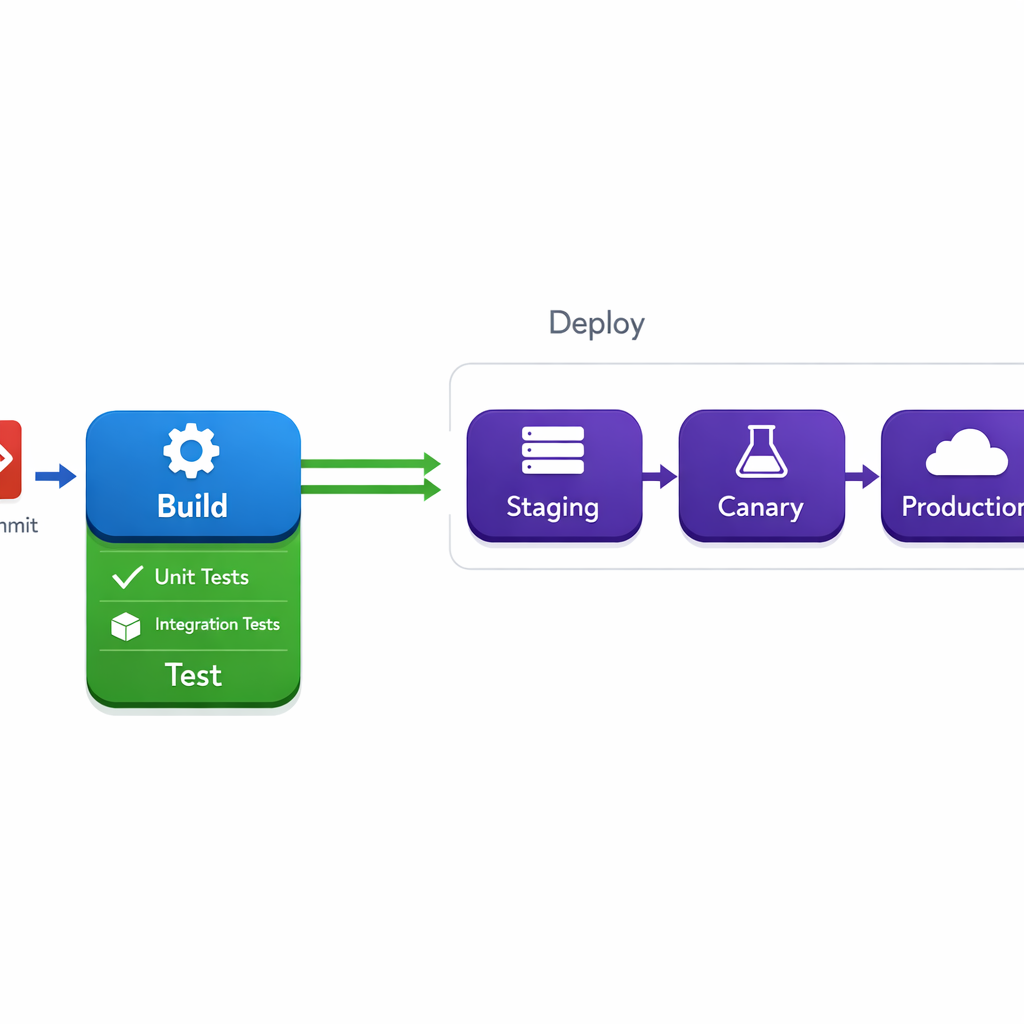
Diagram Generator example output

How Diagram Generator Works

Diagram Generator uses text-to-image AI to convert plain-language descriptions of processes, hierarchies, and relationships into clean, structured diagrams. Describe what you need -- "the water cycle with evaporation, condensation, and precipitation" or "company org chart with CEO, three VPs, and their teams" -- and the AI produces a polished visual with properly arranged nodes, connections, and labels. Educators rely on this tool for lesson planning, creating worksheet visuals, and building presentation decks. It handles flowcharts for process explanations, mind maps for brainstorming sessions, timelines for history lessons, comparison charts for product reviews, and hierarchy diagrams for organizational structures. Students can use it for study materials and project presentations. Be explicit about the structure you want. Instead of "show how photosynthesis works," try "flowchart showing sunlight and water entering the leaf, chloroplasts converting them to glucose and oxygen, with arrows showing the flow direction." Name the specific nodes and connections. At $0.025 per diagram, you can generate and refine until the layout is exactly right.

How it works

1

Describe the process or relationship in text

2

Pick diagram type (Flowchart, Mind map, Timeline, Hierarchy)

3

Get your clean diagram

What you'll get

High-resolution output ready for social, web, or print

Multiple style variations available per generation

Commercial-use license included with every output

PNG, JPG, or WebP format at up to 4K resolution

Instant download -- no watermarks, no waiting

Consistent quality powered by state-of-the-art AI models

Frequently asked questions

Do I need a subscription to use Diagram Generator?
No. FairStack uses pay-per-use pricing. Add funds to your account and use any tool whenever you need it. There is no subscription, no monthly commitment, and no minimum spend.
What file formats does Diagram Generator support?
Diagram Generator outputs PNG, JPG, and WebP. You can download results instantly after generation. All outputs are full quality with no watermarks.
How long does Diagram Generator take?
Most generations complete in 2-10 seconds. Processing time depends on the complexity of your input and the selected quality settings. You can monitor progress in real time.
Can I use Diagram Generator outputs commercially?
Yes. All outputs generated on FairStack include a commercial-use license. You can use them in client work, products, marketing materials, social media, and any other commercial context.
What format and resolution are generated diagrams?
Diagrams are output as PNG images at 1024x1024 or 1024x1536 pixels, depending on the model. The resolution is suitable for presentations, printed worksheets, and web embedding. Processing takes 3-8 seconds.
Can I use these diagrams in published educational materials?
Yes. All generated diagrams are fully licensed for commercial use. Include them in textbooks, course slides, training manuals, and paid worksheets without any licensing fees or attribution requirements.
Can I generate all the diagrams for a curriculum at once?
Yes. There are no generation limits. Creating 40 diagrams for a semester's worth of lessons costs just $1.00. The API allows batch processing, making it easy to automate diagram generation for entire curriculum packages.

Built for Educators & Presenters

Explainer illustrations, talking avatars, slide animation, diagrams, YouTube thumbnails, and voice narration. Turn ideas into visual content.

More tools for Educators & Presenters:

See all Educators & Presenters tools

Try Diagram Generator

No subscription required.

Start Creating