AI video+audio No subscription required

Voice Over

Add narration to any video

Add professional voiceover narration to any video. Type your script, choose from 168 AI voices, set the speed and emotion, and the audio is merged directly onto your video.
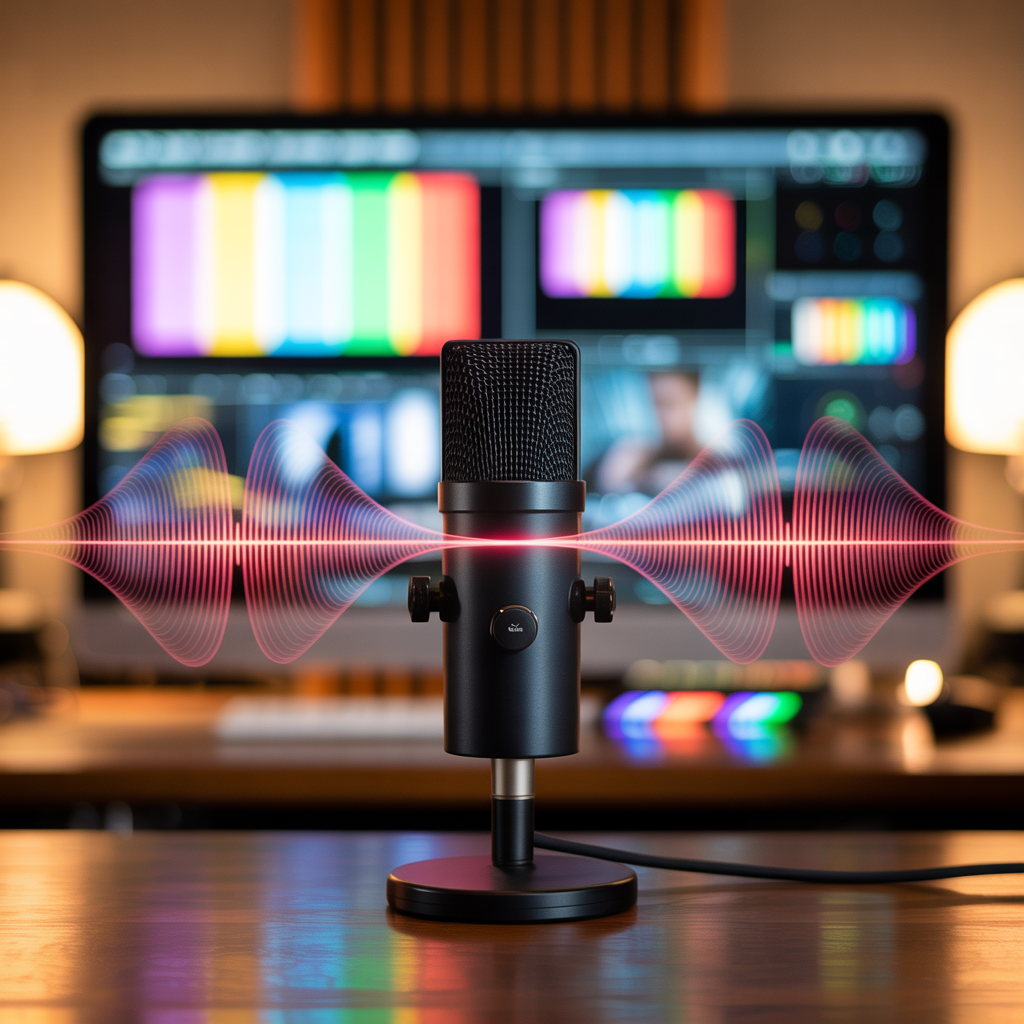
Voice Over example output

How Voice Over Works

Voice Over uses text-to-speech AI to generate natural-sounding narration from your script, then merges it directly onto your video. Choose from 168 voices spanning different ages, genders, accents, and speaking styles. You can fine-tune speed (0.5x to 2x) and emotion (neutral, excited, calm, serious) to match your content's tone. This tool is essential for anyone creating video content at scale. Social media managers narrate product demos and tutorials. Educators add clear explanations to instructional videos. Real estate agents narrate property walkthroughs. Nonprofit organizations create fundraising videos with professional voiceover. Podcasters generate intro and outro narration. Write your script in a conversational style for the most natural-sounding output. Use punctuation to control pacing -- commas create short pauses, periods create longer ones. Preview different voices before committing to find the best match for your brand. Keep narration segments under 2 minutes for optimal quality. FairStack charges per clip starting at $0.005, making it dramatically cheaper than subscription-based voice tools.

Cost Comparison

ElevenLabs charges $5-22/mo for voice generation. FairStack: pay per clip from $0.005.

How it works

1

Upload your video and type the script

2

Pick a voice (168 options), speed, and emotion

3

Get your video with narration

What you'll get

Voice Over output preview

Add professional voiceover narration to any video. Type your script, choose from 168 AI voices, set the speed and emotion, and the audio is merged directly onto your video.

HD or 4K video output ready for social or professional use

Multiple duration options from 2s to 60s+

MP4 format compatible with all editing software

Smooth motion and natural transitions

No watermarks on any output

Consistent quality across every generation

Frequently asked questions

Do I need a subscription to use Voice Over?
No. FairStack uses pay-per-use pricing. Add funds to your account and use any tool whenever you need it. There is no subscription, no monthly commitment, and no minimum spend.
What file formats does Voice Over support?
Voice Over outputs MP4. You can download results instantly after generation. All outputs are full quality with no watermarks.
How long does Voice Over take?
Most generations complete in 15-60 seconds depending on duration and resolution. Processing time depends on the complexity of your input and the selected quality settings. You can monitor progress in real time.
Can I use Voice Over outputs commercially?
Yes. All outputs generated on FairStack include a commercial-use license. You can use them in client work, products, marketing materials, social media, and any other commercial context.
What audio quality does Voice Over produce?
Voice Over generates audio at 44.1kHz sample rate in WAV or MP3 format. When merged with video, the output is an MP4 file with the narration track embedded. All outputs are studio quality with no background noise or artifacts.
Can I use AI-generated voiceovers for commercial videos and ads?
Yes. All voice outputs on FairStack include a commercial-use license. You can use them in YouTube videos, social media ads, client projects, e-learning courses, and any other commercial context.
Can I generate voiceovers in bulk for a video series?
Yes. The FairStack API supports text-to-speech generation with 168 voices. You can submit multiple scripts programmatically for parallel processing, which is ideal for narrating a course library or localizing content into multiple voices.

Built for Social Media Creators

TikTok, Instagram Reels, YouTube Shorts -- 15 AI tools built for high-volume creators. Trending effects, viral restyling, talking photos, beat-synced video. All pay-per-use, no subscription.

More tools for Social Media Creators:

See all Social Media Creators tools