AI image No subscription required

Green Screen

Remove background, add any scene

Remove the background from any photo or video and replace it with a new scene. Choose from preset backgrounds (Beach, City, Space, Nature, Studio) or describe your own.

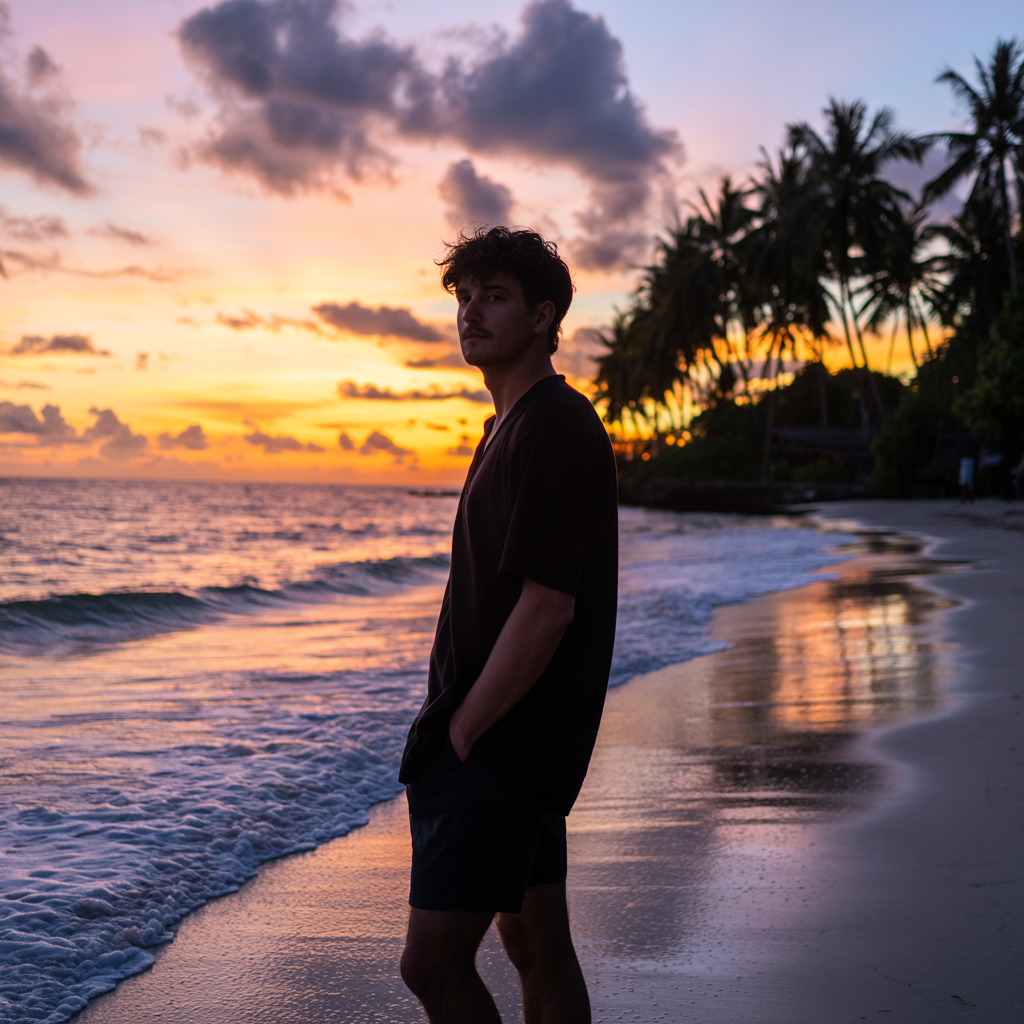
Green Screen before and after - Background Removed
Green Screen before and after - Original Photo
Original Photo
Background Removed

How Green Screen Works

Green Screen uses AI segmentation to isolate the foreground subject from the background with pixel-level precision -- no physical green screen needed. Once the subject is separated, you can choose a preset background (beach, city skyline, space, nature, studio) or describe a custom scene in text. The AI composites your subject into the new environment with matched lighting and perspective. Content creators and coaches use Green Screen to film from anywhere while appearing in professional or creative settings. Real estate agents place themselves at property locations for virtual walkthroughs. Fitness trainers shoot in their living room but present from a gym or outdoor space. Small business owners create professional-looking content without renting studio time. For the cleanest cutout, use photos where the subject has clear edges against the background. Avoid clothing that blends into the background color. Busy or complex backgrounds are handled well by the AI but may take slightly longer to process. Hair and fine edges are typically preserved, though very wispy or translucent details may lose some definition.

How it works

1

Upload your photo or video

2

Pick a scene or describe one

3

Get your new background composite

What you'll get

High-resolution output ready for social, web, or print

Multiple style variations available per generation

Commercial-use license included with every output

PNG, JPG, or WebP format at up to 4K resolution

Instant download -- no watermarks, no waiting

Consistent quality powered by state-of-the-art AI models

Frequently asked questions

Do I need a subscription to use Green Screen?
No. FairStack uses pay-per-use pricing. Add funds to your account and use any tool whenever you need it. There is no subscription, no monthly commitment, and no minimum spend.
What file formats does Green Screen support?
Green Screen outputs PNG, JPG, and WebP. You can download results instantly after generation. All outputs are full quality with no watermarks.
How long does Green Screen take?
Most generations complete in 2-10 seconds. Processing time depends on the complexity of your input and the selected quality settings. You can monitor progress in real time.
Can I use Green Screen outputs commercially?
Yes. All outputs generated on FairStack include a commercial-use license. You can use them in client work, products, marketing materials, social media, and any other commercial context.
What output quality does Green Screen produce?
Output images are PNG format at up to 1024x1024 resolution with the subject composited onto the new background. If you only want background removal (transparent background), you receive a PNG with an alpha channel.
Can I use Green Screen results for professional or commercial projects?
Yes. All FairStack outputs include a commercial-use license. Green Screen images are commonly used for social media content, real estate marketing, product photography, and professional presentations.
Can I batch-process background removal for multiple photos?
The web app handles one image at a time. For bulk background removal, use the FairStack API to submit multiple images in parallel. Each background removal costs $0.03, so processing 100 images costs $3.00.

Built for Social Media Creators

TikTok, Instagram Reels, YouTube Shorts -- 15 AI tools built for high-volume creators. Trending effects, viral restyling, talking photos, beat-synced video. All pay-per-use, no subscription.

More tools for Social Media Creators:

See all Social Media Creators tools