AI image No subscription required

Menu Board

Photo menu from dish photos

Create a professional menu board from your dish photos. Upload 1-6 food photos with names and prices. Choose grid, list, or elegant layouts in rustic, modern, or minimalist styles.
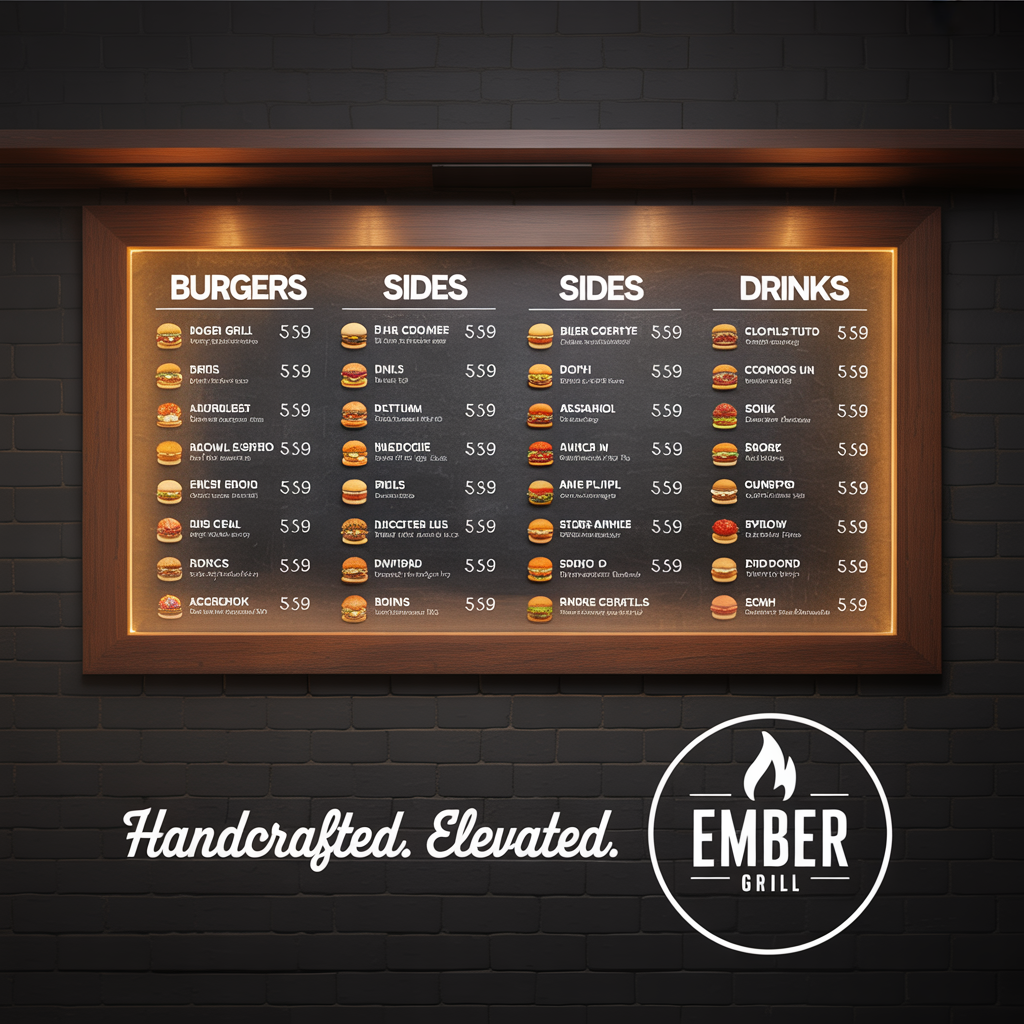
Menu Board example output

How Menu Board Works

Menu Board uses AI image generation to compose a professional photo menu from your dish images and text. Upload one to six food photos along with dish names and prices, choose a layout style -- grid, list, or elegant -- and the AI arranges everything into a cohesive, print-ready design. The result looks like it was produced by a professional graphic designer with food industry experience. Restaurant owners, food trucks, catering companies, and cafes use Menu Board to create seasonal menus, daily specials boards, catering packages, and takeout menus without hiring a designer. Beauty salons adapt it for service menus. Event planners use it for reception dinner cards. Any business that needs a visual price list benefits from this tool. For the sharpest results, photograph dishes from directly above on a clean, uncluttered surface with natural lighting. Keep dish names short (two to four words) and use consistent price formatting. The rustic style works well for farm-to-table restaurants, modern for fast-casual, and minimalist for fine dining. At $0.025 per menu, you can create separate menus for lunch, dinner, and drinks for under $0.10.

How it works

1

Upload dish photos and enter names/prices

2

Pick layout (Grid, List, Elegant) and style

3

Get your photo menu board

What you'll get

High-resolution output ready for social, web, or print

Multiple style variations available per generation

Commercial-use license included with every output

PNG, JPG, or WebP format at up to 4K resolution

Instant download -- no watermarks, no waiting

Consistent quality powered by state-of-the-art AI models

Frequently asked questions

Do I need a subscription to use Menu Board?
No. FairStack uses pay-per-use pricing. Add funds to your account and use any tool whenever you need it. There is no subscription, no monthly commitment, and no minimum spend.
What file formats does Menu Board support?
Menu Board outputs PNG, JPG, and WebP. You can download results instantly after generation. All outputs are full quality with no watermarks.
How long does Menu Board take?
Most generations complete in 2-10 seconds. Processing time depends on the complexity of your input and the selected quality settings. You can monitor progress in real time.
Can I use Menu Board outputs commercially?
Yes. All outputs generated on FairStack include a commercial-use license. You can use them in client work, products, marketing materials, social media, and any other commercial context.
What resolution and format are the menu boards?
Menu boards are generated as high-resolution PNG files at 1024x1024 or 1024x1536 pixels, suitable for printing up to 16x20 inches, digital display screens, and social media. The resolution is sharp enough for both wall-mounted displays and printed table cards.
Can I use the menu boards in my restaurant and on delivery apps?
Yes. All generated menu boards are fully yours for any commercial use, including in-restaurant display, printed menus, your website, and delivery platform listings like DoorDash, Uber Eats, and Grubhub. No watermarks or attribution required.
Can I update my menu daily without extra cost?
Absolutely. At $0.025 per menu board, updating your daily specials board every day for a month costs just $0.75. Many restaurants generate a new menu board each morning and display it on a digital screen at the entrance or post it to social media.

Built for Small Business

Professional headshots, social media posts, video ads, signage mockups, and voice announcements. Marketing content for local businesses at pennies per piece.

More tools for Small Business:

See all Small Business tools

Try Menu Board

No subscription required.

Start Creating