AI video No subscription required

Talking Teacher

AI avatar delivers your lesson

Create a talking avatar that delivers your lesson or script. Upload an optional face photo or use an AI avatar. Choose from 168 voices and set the background (classroom, office, green screen). Perfect for async teaching and course content.
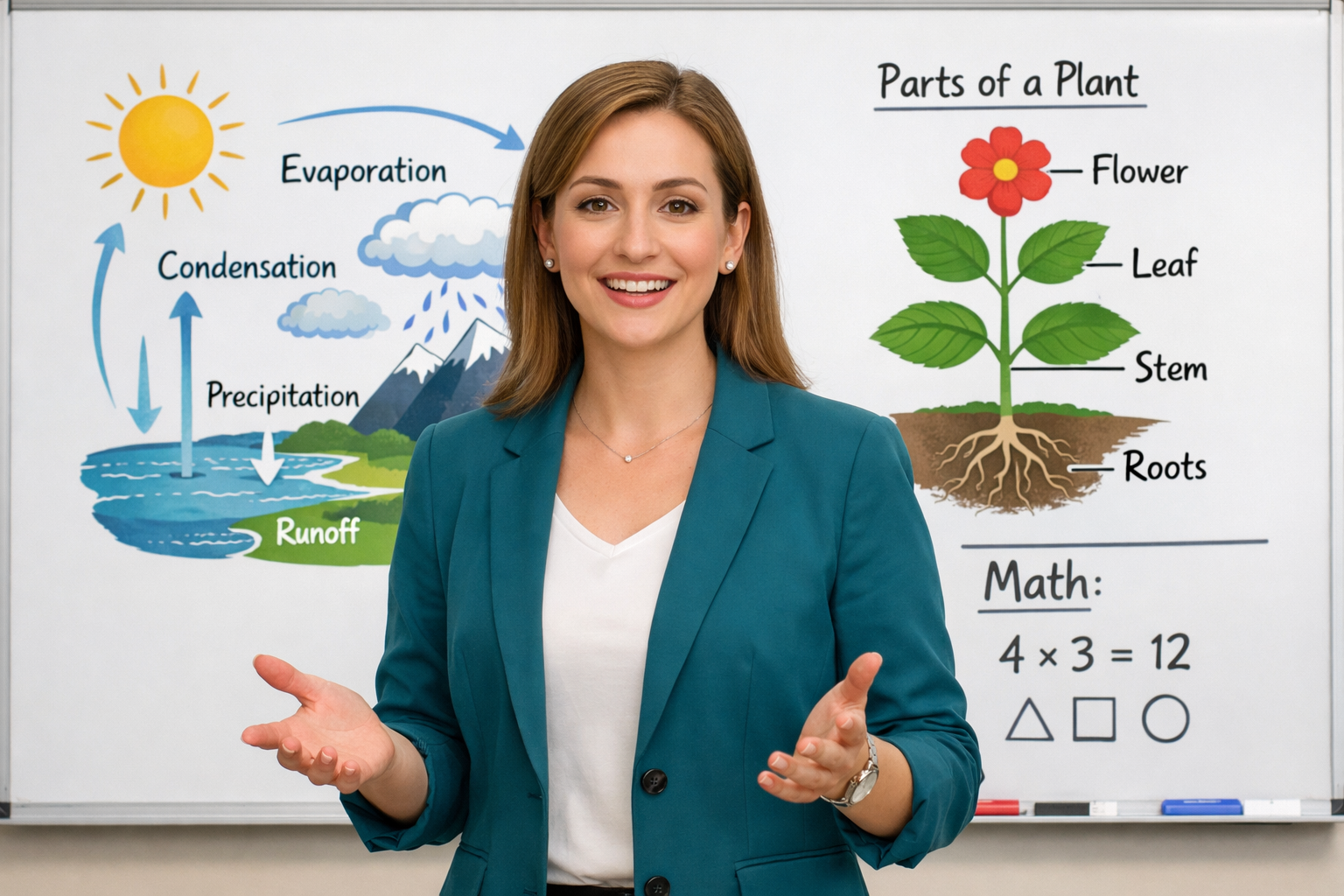
Talking Teacher example output

How Talking Teacher Works

Talking Teacher combines AI voice synthesis with talking-head video generation to create realistic presenter videos from a text script. You type your lesson content, optionally upload a photo of yourself, and the AI generates a video of an avatar delivering your script with natural lip movements, gestures, and expressions. Choose from 168 different voices across multiple accents and languages. This tool is ideal for asynchronous teaching environments like online courses, LMS modules, and flipped classrooms. Instructors can produce lecture content without recording equipment or editing software. It is also valuable for corporate training, onboarding videos, and explainer content where a human presenter adds engagement but recording is impractical. For the most natural results, write your script in a conversational tone with short sentences. Break long lessons into 2-3 minute segments rather than one long video. Choose a voice that matches your subject -- calm and measured for technical content, enthusiastic for motivational material. Background options include classroom, office, and green screen for custom compositing.

How it works

1

Type your lesson script and optionally upload your photo

2

Pick a voice, avatar style, and background

3

Get your talking teacher video

What you'll get

Talking Teacher output preview

Create a talking avatar that delivers your lesson or script. Upload an optional face photo or use an AI avatar. Choose from 168 voices and set the background (classroom, office, green screen). Perfect for async teaching and course content.

HD or 4K video output ready for social or professional use

Multiple duration options from 2s to 60s+

MP4 format compatible with all editing software

Smooth motion and natural transitions

No watermarks on any output

Consistent quality across every generation

Frequently asked questions

Do I need a subscription to use Talking Teacher?
No. FairStack uses pay-per-use pricing. Add funds to your account and use any tool whenever you need it. There is no subscription, no monthly commitment, and no minimum spend.
What file formats does Talking Teacher support?
Talking Teacher outputs MP4. You can download results instantly after generation. All outputs are full quality with no watermarks.
How long does Talking Teacher take?
Most generations complete in 15-60 seconds depending on duration and resolution. Processing time depends on the complexity of your input and the selected quality settings. You can monitor progress in real time.
Can I use Talking Teacher outputs commercially?
Yes. All outputs generated on FairStack include a commercial-use license. You can use them in client work, products, marketing materials, social media, and any other commercial context.
What video resolution and format does Talking Teacher output?
Videos are generated in MP4 format at up to 1080p resolution. Typical processing time is 30-90 seconds depending on script length. Videos include synchronized lip movements and natural head gestures.
Can I use Talking Teacher videos in my paid courses and LMS?
Yes. All generated videos are fully yours for commercial use. You can upload them to Teachable, Udemy, Canvas, Google Classroom, or any LMS. There are no royalties, watermarks, or attribution requirements.
Can I create an entire course worth of videos at once?
Yes. There are no generation limits. A 10-lesson course at $0.10-0.20 per video would cost approximately $1-2 total. The API supports batch generation for automated course production pipelines.

Built for Educators & Presenters

Explainer illustrations, talking avatars, slide animation, diagrams, YouTube thumbnails, and voice narration. Turn ideas into visual content.

More tools for Educators & Presenters:

See all Educators & Presenters tools

Try Talking Teacher

No subscription required.

Start Creating