AI image No subscription required

Visual Breakdown

Label parts of any image

Upload any image and AI auto-detects and labels every component. Perfect for educational diagrams, anatomy illustrations, technical breakdowns, and annotated screenshots. No manual labeling needed.
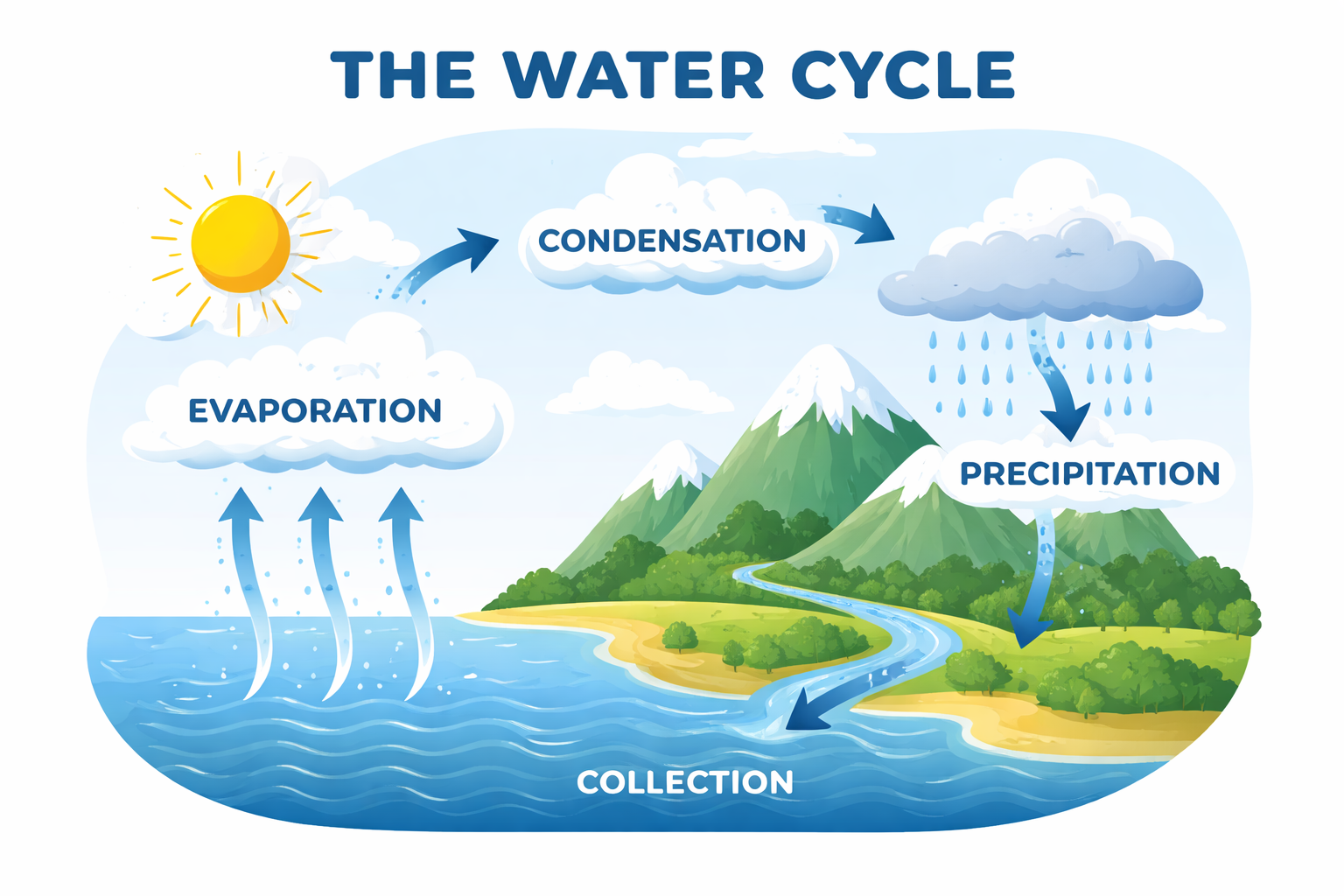
Visual Breakdown example output

How Visual Breakdown Works

Visual Breakdown uses AI image analysis to automatically detect and label components within any uploaded image. The model identifies distinct elements -- parts of a machine, anatomical structures, UI components, geological features -- and overlays clean, readable labels with leader lines pointing to each identified part. The entire process takes under 5 seconds. This tool serves educators who need annotated diagrams for worksheets, lab manuals, and exam preparation materials. Science teachers use it to label cell structures or circuit components. Technical writers use it for product documentation and assembly guides. Medical educators use it for anatomy illustrations that patients and students can easily understand. Upload images with clear, well-lit subjects for the best label accuracy. Photos work as well as illustrations -- the AI handles both. For complex images with many small parts, consider cropping to focus on one area at a time. At $0.005 per image, you can generate labeled versions of every diagram in a textbook chapter for pennies.

How it works

1

Upload any image (diagram, photo, screenshot, etc.)

2

AI detects and labels all components automatically

3

Get your annotated breakdown image

What you'll get

High-resolution output ready for social, web, or print

Multiple style variations available per generation

Commercial-use license included with every output

PNG, JPG, or WebP format at up to 4K resolution

Instant download -- no watermarks, no waiting

Consistent quality powered by state-of-the-art AI models

Frequently asked questions

Do I need a subscription to use Visual Breakdown?
No. FairStack uses pay-per-use pricing. Add funds to your account and use any tool whenever you need it. There is no subscription, no monthly commitment, and no minimum spend.
What file formats does Visual Breakdown support?
Visual Breakdown outputs PNG, JPG, and WebP. You can download results instantly after generation. All outputs are full quality with no watermarks.
How long does Visual Breakdown take?
Most generations complete in 2-10 seconds. Processing time depends on the complexity of your input and the selected quality settings. You can monitor progress in real time.
Can I use Visual Breakdown outputs commercially?
Yes. All outputs generated on FairStack include a commercial-use license. You can use them in client work, products, marketing materials, social media, and any other commercial context.
What image formats can I upload, and what resolution is the output?
Upload PNG, JPEG, or WebP images at any resolution. The output is a PNG at the same resolution as your input, with labels and leader lines overlaid. Typical processing time is under 5 seconds.
Can I use labeled images in published textbooks and commercial materials?
Yes. The annotated output is yours for any purpose, including published textbooks, paid course materials, and commercial documentation. No attribution or licensing fees required.
Can I label images in bulk for a full curriculum?
Yes. At $0.005 per image, labeling 200 diagrams for an entire course costs just $1.00. There are no rate limits for web users, and the API supports batch processing for automated pipelines.

Built for Educators & Presenters

Explainer illustrations, talking avatars, slide animation, diagrams, YouTube thumbnails, and voice narration. Turn ideas into visual content.

More tools for Educators & Presenters:

See all Educators & Presenters tools

Try Visual Breakdown

No subscription required.

Start Creating