AI audio No subscription required

Voice Narration

Professional voiceover for any script

Generate professional voiceover narration from text. Choose from 168 voices, adjust speed (0.75x-1.5x), and set emotion (neutral, enthusiastic, calm, serious). Budget and premium tiers available.
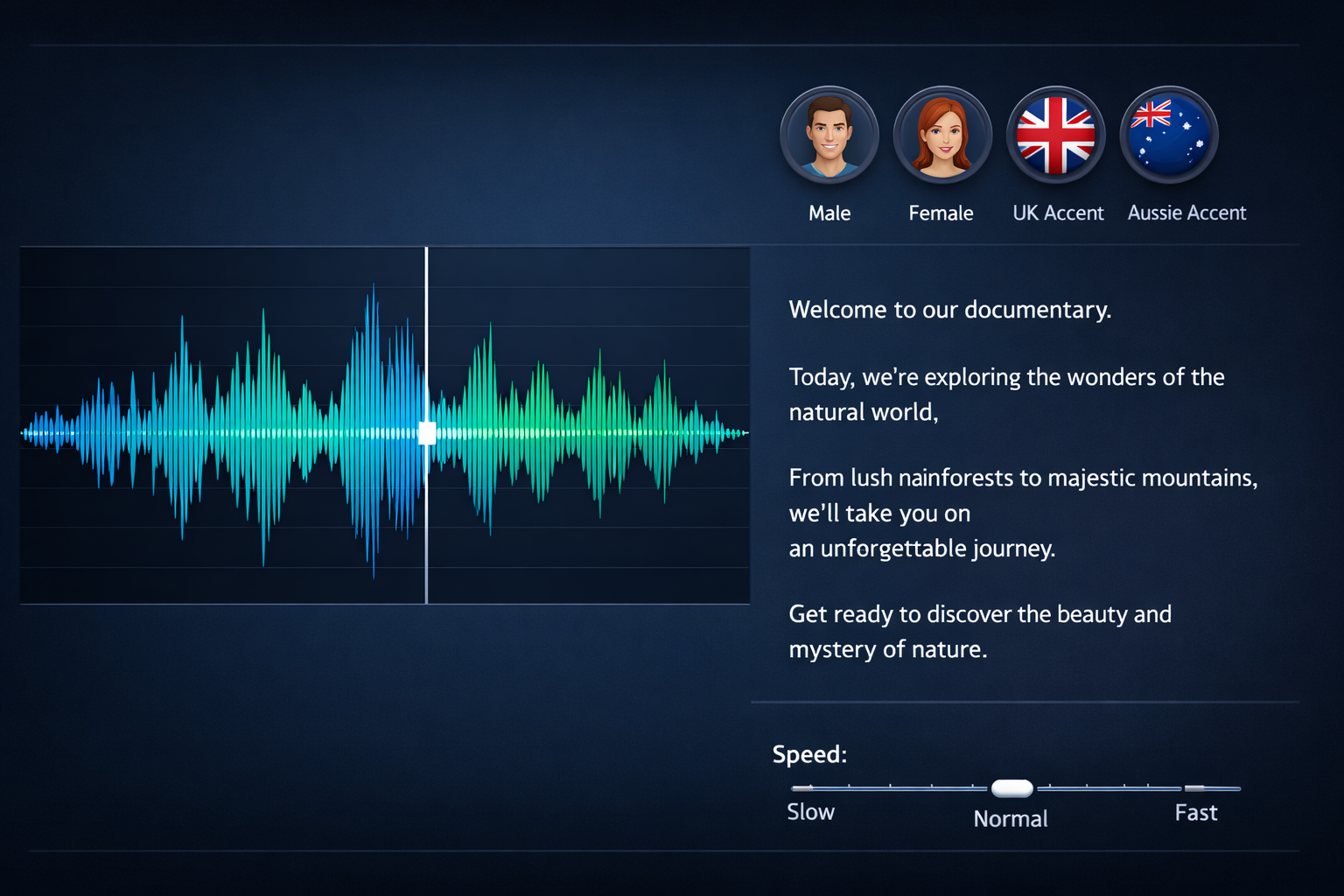
Voice Narration example output

How Voice Narration Works

Voice Narration converts text into natural-sounding speech using state-of-the-art text-to-speech models. You paste your script, select from 168 voices spanning different ages, genders, accents, and languages, then adjust speed and emotional tone. The AI renders your audio in seconds, producing broadcast-quality narration that sounds genuinely human rather than robotic. This tool is a go-to for educators building online courses, creating audiobook-style lesson supplements, or adding narration to slide presentations. Healthcare professionals use it for patient education recordings. Churches create scripture readings and devotional audio. Podcast producers generate intro segments, and travel companies narrate destination guides. The budget tier at $0.0005 is ideal for high-volume use cases like narrating entire textbooks. For the most natural output, punctuate your script carefully -- commas create natural pauses, and periods add breath breaks. Preview different voices before committing to one for a long project. The enthusiastic emotion setting works well for marketing and motivational content, while calm suits instructional and medical material. Keep individual clips under 5 minutes for optimal quality.

Cost Comparison

ElevenLabs charges $5-22/mo. FairStack: from $0.0005 per narration. Budget voice at $0.0005, premium at $0.06.

How it works

1

Type or paste your script

2

Pick a voice, speed, and emotion

3

Get your professional narration audio

What you'll get

Voice Narration

Audio output

0:00 Duration varies

Studio-quality audio at up to 48kHz sample rate

Natural-sounding output with minimal artifacts

WAV or MP3 format for any workflow

Adjustable duration and style parameters

Commercial license included with every file

Instant download and API access

Frequently asked questions

Do I need a subscription to use Voice Narration?
No. FairStack uses pay-per-use pricing. Add funds to your account and use any tool whenever you need it. There is no subscription, no monthly commitment, and no minimum spend.
What file formats does Voice Narration support?
Voice Narration outputs WAV and MP3. You can download results instantly after generation. All outputs are full quality with no watermarks.
How long does Voice Narration take?
Most generations complete in 5-20 seconds depending on length. Processing time depends on the complexity of your input and the selected quality settings. You can monitor progress in real time.
Can I use Voice Narration outputs commercially?
Yes. All outputs generated on FairStack include a commercial-use license. You can use them in client work, products, marketing materials, social media, and any other commercial context.
What audio format and quality does Voice Narration produce?
Audio is delivered as MP3 at 44.1kHz sample rate, suitable for podcasts, courses, and broadcast. Premium voices produce studio-quality output. Processing time is typically 2-5 seconds for scripts under 500 words.
Can I use generated narration in commercial products like paid courses?
Yes. All generated audio is fully licensed for commercial use. You can include it in paid courses, audiobooks, apps, YouTube videos, and client deliverables without any additional licensing fees or attribution.
Can I narrate an entire course or book in one session?
Yes. There are no daily limits. Narrating a 10-chapter textbook with the budget voice would cost approximately $0.05 total. Premium voices cost more but still a fraction of hiring a voice actor. The API supports batch processing for automated narration pipelines.

Built for Educators & Presenters

Explainer illustrations, talking avatars, slide animation, diagrams, YouTube thumbnails, and voice narration. Turn ideas into visual content.

More tools for Educators & Presenters:

See all Educators & Presenters tools

Try Voice Narration

No subscription required.

Start Creating