AI image No subscription required

YouTube Thumbnail

Click-worthy thumbnail from a photo

Generate click-worthy YouTube thumbnails from a photo and title text. Choose bold, clean, dramatic, or funny styles. AI optimizes for engagement with attention-grabbing composition and text placement.
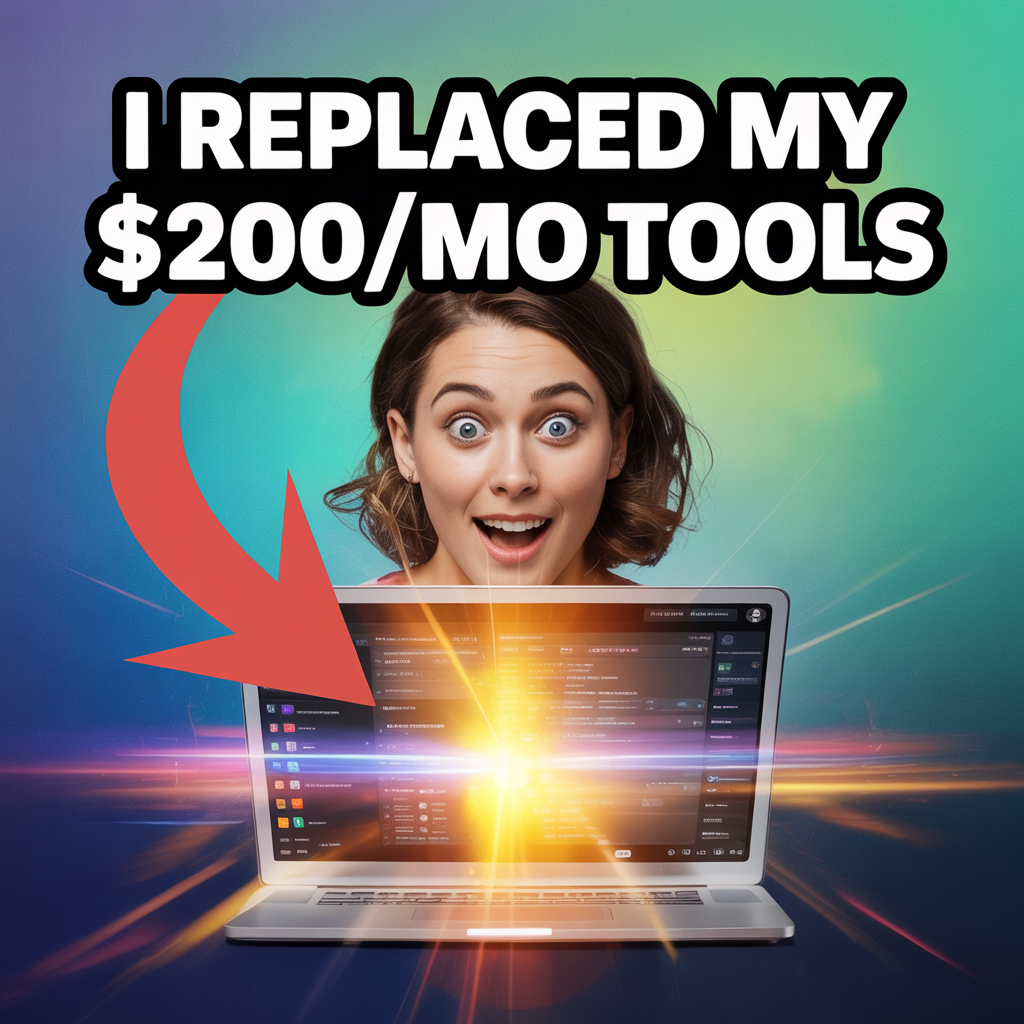
YouTube Thumbnail example output

How YouTube Thumbnail Works

YouTube Thumbnail uses AI image editing models to composite your photo with attention-grabbing text, dynamic backgrounds, and engagement-optimized layouts. The AI applies proven thumbnail design patterns -- high-contrast colors, expressive faces, bold typography, and clean focal points -- to maximize click-through rates on YouTube and social platforms. Educators and course creators use thumbnails to drive views on lecture recordings, tutorial series, and educational channels. Podcasters create consistent, branded episode thumbnails. Fitness creators and gamers use the dramatic and funny styles to stand out in crowded feeds. Any content creator who publishes to YouTube benefits from professional thumbnails without hiring a designer. Upload a photo where your face is clearly visible and well-lit for the best results. Keep your title text short -- 3-5 words work best on thumbnails. The bold style uses high saturation and large text for maximum visibility at small sizes. The clean style works well for professional and educational content. At $0.025 per thumbnail, generating 10 variations and picking the best one costs just $0.25.

How it works

1

Upload your photo and enter the video title

2

Pick a style (Bold, Clean, Dramatic, Funny)

3

Get your click-optimized thumbnail

What you'll get

High-resolution output ready for social, web, or print

Multiple style variations available per generation

Commercial-use license included with every output

PNG, JPG, or WebP format at up to 4K resolution

Instant download -- no watermarks, no waiting

Consistent quality powered by state-of-the-art AI models

Frequently asked questions

Do I need a subscription to use YouTube Thumbnail?
No. FairStack uses pay-per-use pricing. Add funds to your account and use any tool whenever you need it. There is no subscription, no monthly commitment, and no minimum spend.
What file formats does YouTube Thumbnail support?
YouTube Thumbnail outputs PNG, JPG, and WebP. You can download results instantly after generation. All outputs are full quality with no watermarks.
How long does YouTube Thumbnail take?
Most generations complete in 2-10 seconds. Processing time depends on the complexity of your input and the selected quality settings. You can monitor progress in real time.
Can I use YouTube Thumbnail outputs commercially?
Yes. All outputs generated on FairStack include a commercial-use license. You can use them in client work, products, marketing materials, social media, and any other commercial context.
What resolution are the generated thumbnails?
Thumbnails are generated at 1280x720 pixels (standard YouTube thumbnail resolution) in PNG format. This is the optimal size for YouTube, and the images also work well for blog featured images and social media cards.
Can I use thumbnails commercially on monetized YouTube channels?
Yes. All generated thumbnails are yours to use on monetized channels, paid course platforms, and commercial content. No watermarks, no attribution, no licensing restrictions.
Can I create thumbnails in bulk for a video series?
Yes. Generate as many thumbnails as you need -- a 50-video course series would cost $1.25 for thumbnails. You can generate multiple style variations per video and pick the strongest one without worrying about cost.

Built for Educators & Presenters

Explainer illustrations, talking avatars, slide animation, diagrams, YouTube thumbnails, and voice narration. Turn ideas into visual content.

More tools for Educators & Presenters:

See all Educators & Presenters tools

Try YouTube Thumbnail

No subscription required.

Start Creating