AI image No subscription required

Concept Art

Describe a scene, get the reference

Generate concept art and reference images from text descriptions. Photorealistic, painterly, matte painting, sci-fi, or fantasy styles. Perfect for pre-production, mood boards, and visual development.
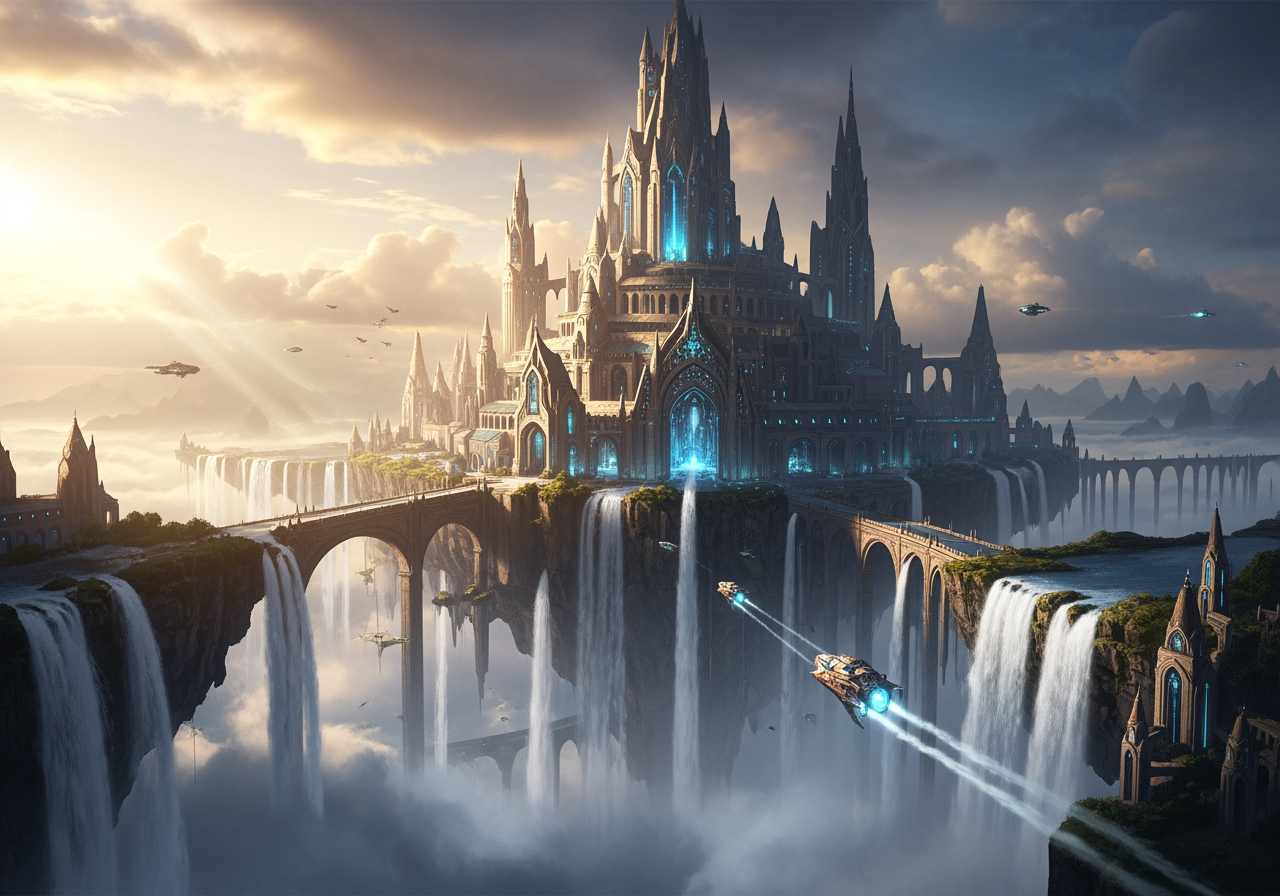
Concept Art example output

How Concept Art Works

Concept Art uses text-to-image AI models to generate reference-quality artwork from text descriptions. You describe a scene, environment, character, creature, or prop, choose a visual style, and the AI generates a detailed concept image. Multiple art styles are available: photorealistic for realistic reference, painterly for traditional concept art aesthetics, matte painting for environments, and sci-fi and fantasy styles for genre-specific work. Filmmakers, game designers, and architects use Concept Art during the early creative phase to rapidly explore visual ideas. A director can describe 10 environment variations in 10 minutes and have reference images to share with the art department. Game studios prototype character designs. Architects visualize building concepts in different styles. Authors create reference images for illustrators working on book covers. Be specific in your descriptions -- include lighting direction, time of day, weather, materials, and mood. "A crumbling gothic cathedral in moonlight, overgrown with ivy, mist pooling at the entrance" generates far more useful reference than "a church." At $0.004-0.03 per image, you can rapidly iterate through dozens of variations to find the right visual direction.

Cost Comparison

Midjourney charges $10/mo minimum. FairStack: from $0.004 per image. Generate 250 concepts for $1.

How it works

1

Describe the scene or concept

2

Pick a style (Photorealistic, Painterly, Matte, Sci-fi, Fantasy)

3

Get your concept art reference

What you'll get

High-resolution output ready for social, web, or print

Multiple style variations available per generation

Commercial-use license included with every output

PNG, JPG, or WebP format at up to 4K resolution

Instant download -- no watermarks, no waiting

Consistent quality powered by state-of-the-art AI models

Frequently asked questions

Do I need a subscription to use Concept Art?
No. FairStack uses pay-per-use pricing. Add funds to your account and use any tool whenever you need it. There is no subscription, no monthly commitment, and no minimum spend.
What file formats does Concept Art support?
Concept Art outputs PNG, JPG, and WebP. You can download results instantly after generation. All outputs are full quality with no watermarks.
How long does Concept Art take?
Most generations complete in 2-10 seconds. Processing time depends on the complexity of your input and the selected quality settings. You can monitor progress in real time.
Can I use Concept Art outputs commercially?
Yes. All outputs generated on FairStack include a commercial-use license. You can use them in client work, products, marketing materials, social media, and any other commercial context.
What resolution and format does Concept Art produce?
Images are PNG format at up to 1024x1024 resolution. Higher-quality models produce more detailed output at a slightly higher cost. All images are suitable for use as production reference, mood boards, and pitch materials.
Can I use AI concept art in professional productions?
Yes. All FairStack outputs include a commercial-use license. Concept art can be used as production reference, in pitch decks, as basis art for further development, and in published game and film art books.
Can I generate a batch of concept variations from one description?
Each generation produces a unique image, even with the same prompt. Generate multiple images from the same description to explore variations. At $0.004 per image with fast models, generating 50 concept variations costs just $0.20.

Built for Filmmakers & Video Creators

Video upscaling, lipsync, storyboarding, concept art, camera moves, slow motion, and AI dubbing. Production tools for indie filmmakers and YouTubers.

More tools for Filmmakers & Video Creators:

See all Filmmakers & Video Creators tools