AI image No subscription required

Image Expand

Extend canvas in any direction

Expand your image canvas in any direction -- left, right, up, down, or all sides. AI generates new content that seamlessly extends the scene. Perfect for changing aspect ratios and adding breathing room.
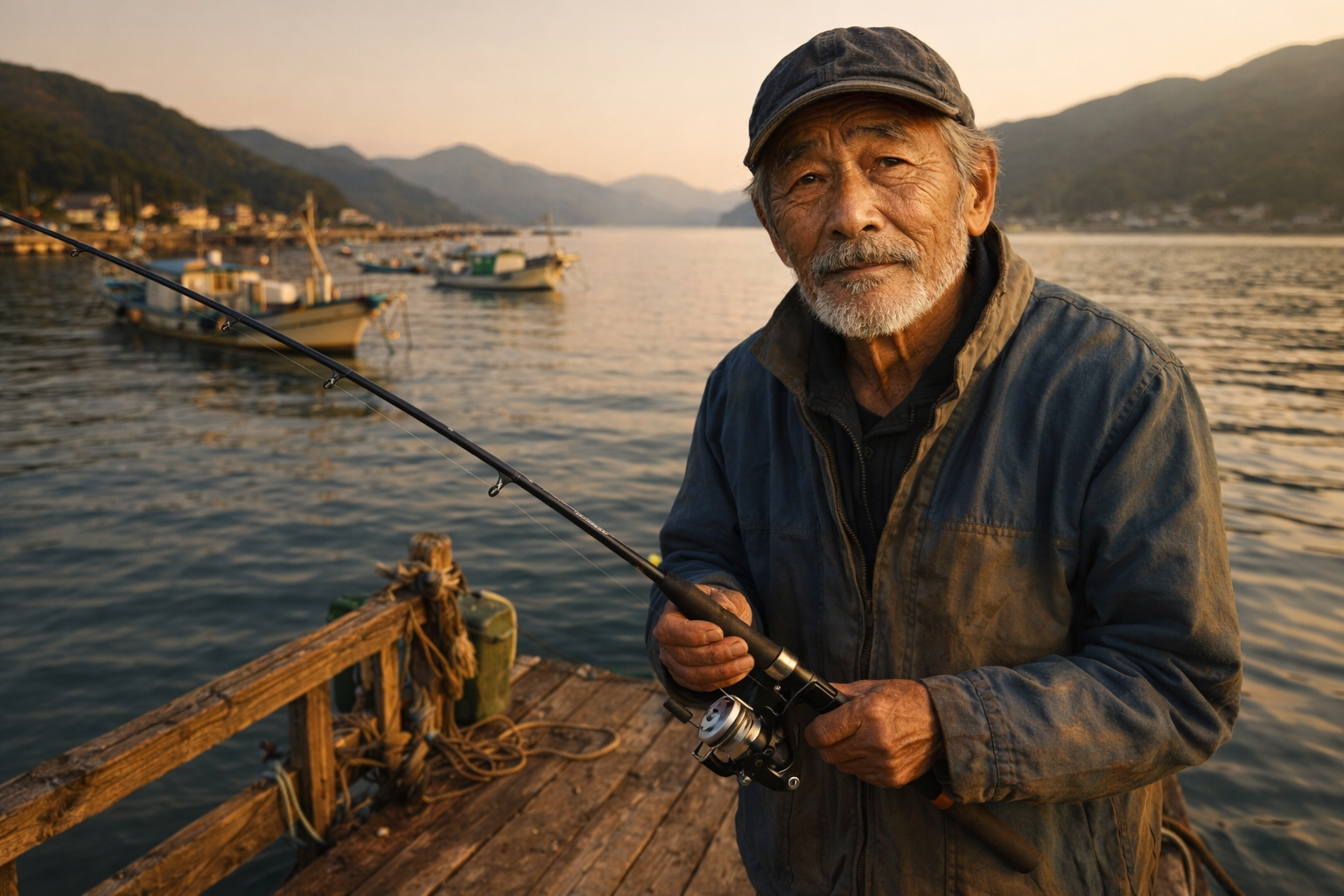
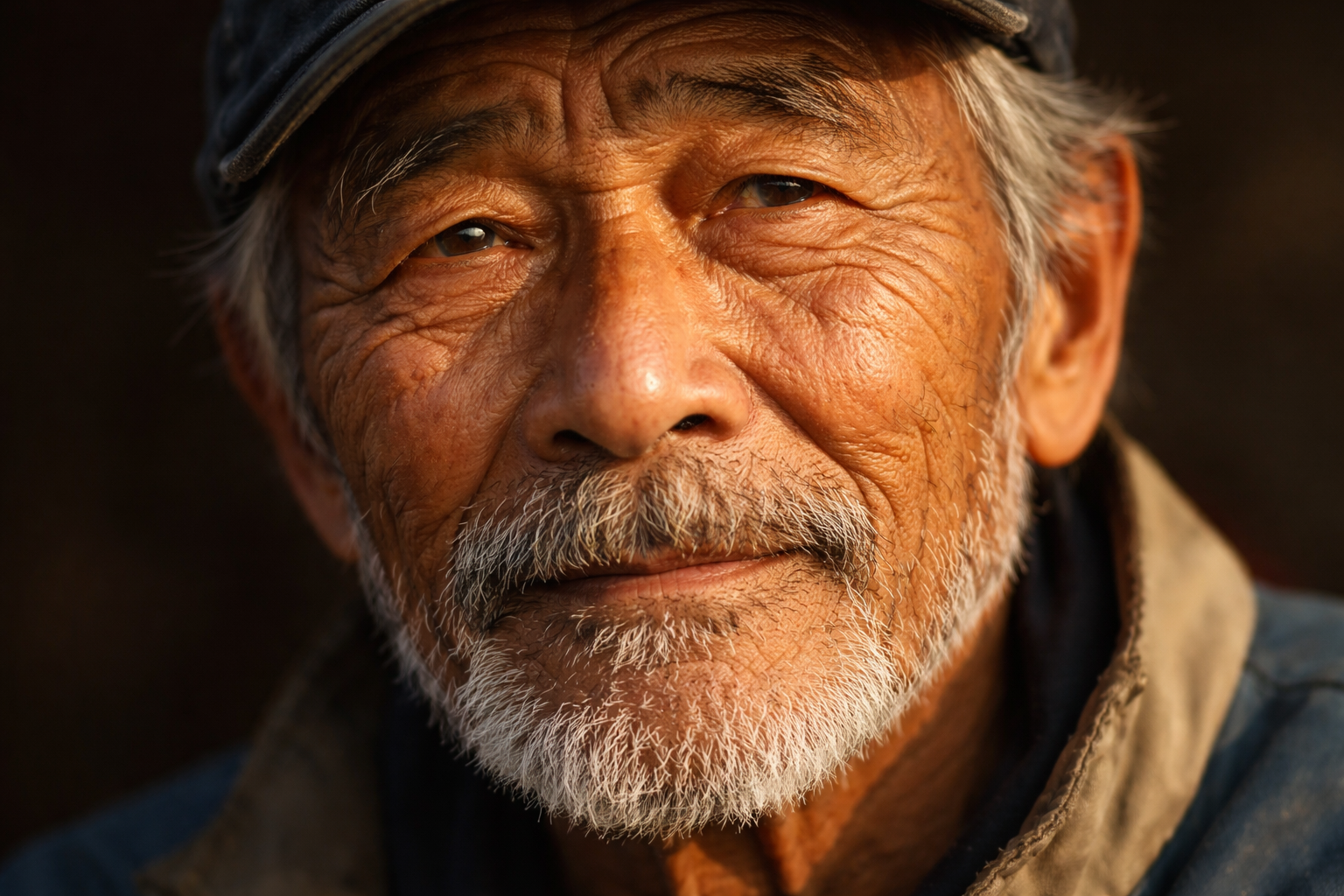
Image Expand before and after - Expanded Scene
Image Expand before and after - Cropped Portrait
Cropped Portrait
Expanded Scene

How Image Expand Works

Image Expand (also known as outpainting) uses generative AI to extend your image canvas in any direction by generating new content that seamlessly continues the existing scene. The AI analyzes the image's content, style, lighting, and perspective, then creates plausible extensions -- adding more sky above, ground below, room to the sides, or all directions at once. Filmmakers use Image Expand to convert vertical photos to horizontal for widescreen sequences. E-commerce sellers change product photo aspect ratios without awkward cropping. Designers add breathing room around subjects for text overlay. Social media managers adapt a single image to multiple platform aspect ratios. The AI generates the most convincing extensions when the image edges provide clear context about what should continue beyond the frame. Landscapes, interiors, and scenes with repeating patterns (sky, water, flooring) extend very naturally. Unique or complex subjects near the edge may produce less predictable results. If the expansion does not look right on the first try, regenerate -- each attempt produces a different extension.

How it works

1

Upload your image

2

Pick direction(s) to expand and target aspect ratio

3

Get your expanded image with AI-generated content

What you'll get

High-resolution output ready for social, web, or print

Multiple style variations available per generation

Commercial-use license included with every output

PNG, JPG, or WebP format at up to 4K resolution

Instant download -- no watermarks, no waiting

Consistent quality powered by state-of-the-art AI models

Frequently asked questions

Do I need a subscription to use Image Expand?
No. FairStack uses pay-per-use pricing. Add funds to your account and use any tool whenever you need it. There is no subscription, no monthly commitment, and no minimum spend.
What file formats does Image Expand support?
Image Expand outputs PNG, JPG, and WebP. You can download results instantly after generation. All outputs are full quality with no watermarks.
How long does Image Expand take?
Most generations complete in 2-10 seconds. Processing time depends on the complexity of your input and the selected quality settings. You can monitor progress in real time.
Can I use Image Expand outputs commercially?
Yes. All outputs generated on FairStack include a commercial-use license. You can use them in client work, products, marketing materials, social media, and any other commercial context.
What resolution and format does Image Expand produce?
Output images are PNG format. The final resolution depends on how much you expand -- a 1024x1024 image expanded 50% in each direction becomes roughly 1536x1536. The AI-generated areas match the style and quality of the original image.
Can I use expanded images in commercial and professional projects?
Yes. All FairStack outputs include a commercial-use license. Expanded images can be used in print production, advertising, social media, product photography, and any other commercial context.
Can I batch-expand images for consistent aspect ratio changes?
The web app processes one image at a time. For batch processing (like converting all vertical photos to horizontal), use the FairStack API to submit multiple images with the same expansion settings. Each expansion costs $0.06.

Built for Filmmakers & Video Creators

Video upscaling, lipsync, storyboarding, concept art, camera moves, slow motion, and AI dubbing. Production tools for indie filmmakers and YouTubers.

More tools for Filmmakers & Video Creators:

See all Filmmakers & Video Creators tools